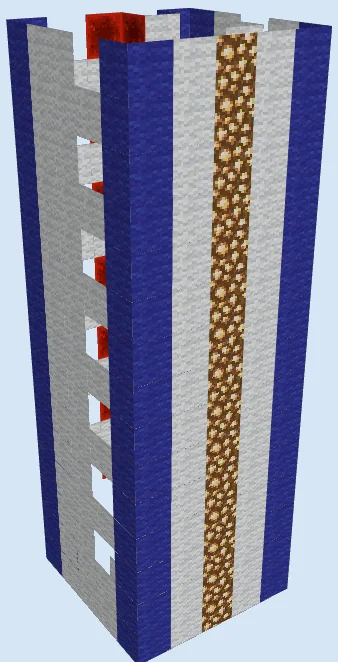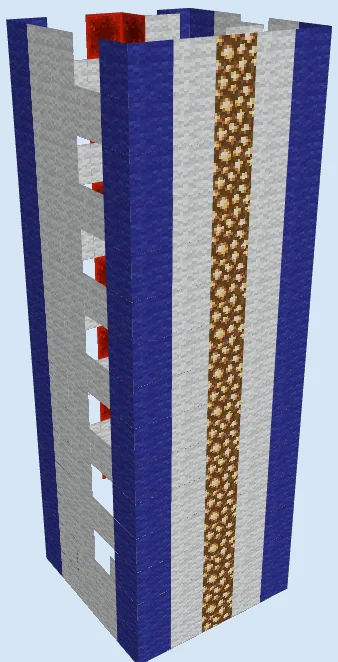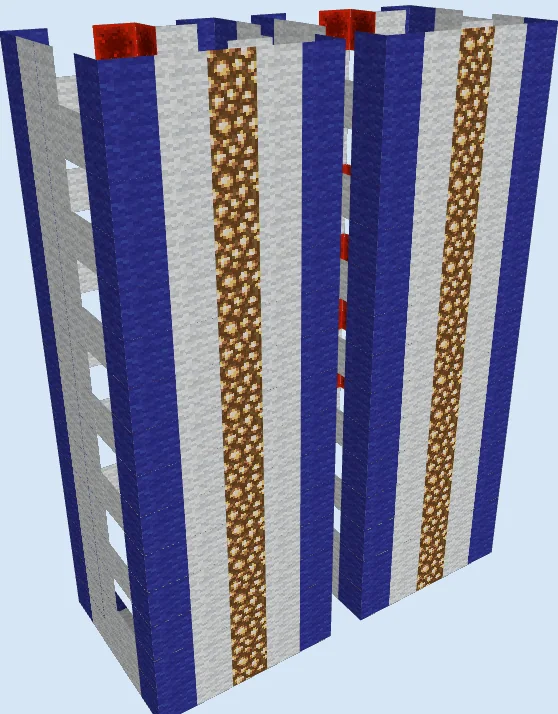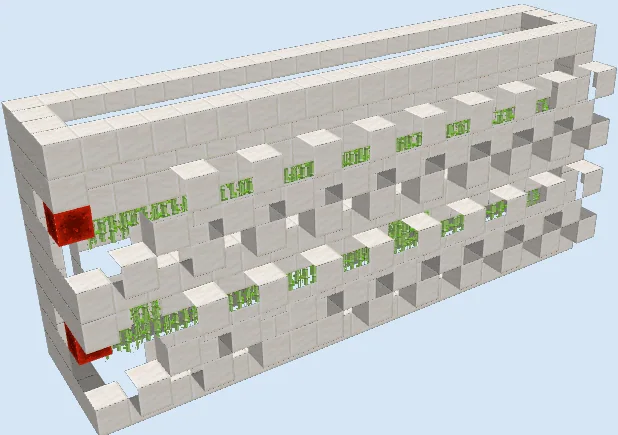
What you are building
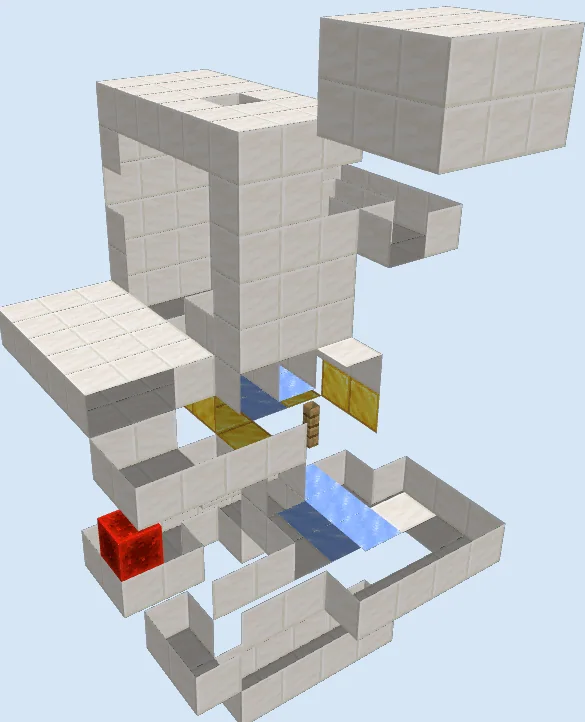
The Animated Fish Aquarium Redstone Display System is a creative mechanical showcase designed to bring life to an interior base or trophy room. Built before aquatic mobs existed as living entities, this mechanism creates the illusion of swimming fish by propelling dropped fish items across ice tracks and water currents behind a transparent glass enclosure.
This build serves as an aesthetic centerpiece rather than a resource generator, offering a striking display powered by quartz, gold blocks, and concealed redstone components. Because this is a legacy layout, mechanics surrounding water flow and item collision have changed significantly over time, so you should test this design in a creative world first before committing materials in survival.
Materials 303 blocks · 15 types
- Quartz Block1332 stacks + 5
- Glass1071 stack + 43
- Repeater14
- Redstone Wire11
- Gold Block11
- Ice7
- Hopper5
- Sticky Piston4
- Dispenser3
- Oak Button2
- Oak Wall Sign2
- Redstone Block1
- Oak Fence1
- Oak Pressure Plate1
- Comparator1
How it works
The mechanism relies on a loop of dispensers, water streams, and ice blocks. Items loaded into the dispensers are ejected into a directed water channel, where the low friction of ice keeps them moving rapidly across the viewing area behind the glass pane. An oak fence and oak wall signs hold water source blocks in place while allowing items to glide freely along the track.
Sticky pistons and redstone repeaters regulate the timing of the item circuit. Once the fish glide past the viewing window, an oak pressure plate and hopper array capture the items before they can despawn, routing them directly back into the dispensers to sustain an automated visual loop.
How to use it
To operate the display, load raw fish or other decorative items into the dispensers through the upper access hatch. Press the oak button on the exterior quartz frame to pulse the circuit and launch the item loop. Once running, items will continuously circulate through the ice tracks and hoppers without requiring manual refilling.
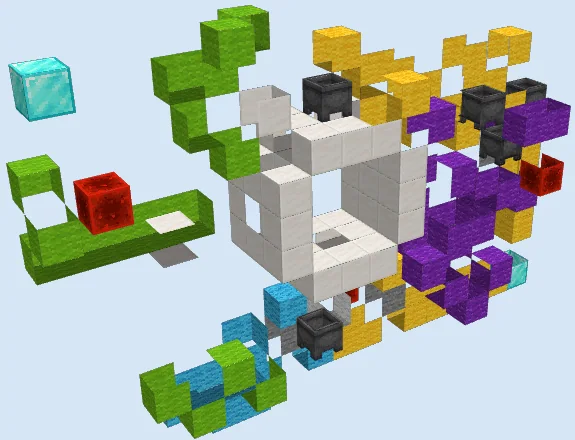
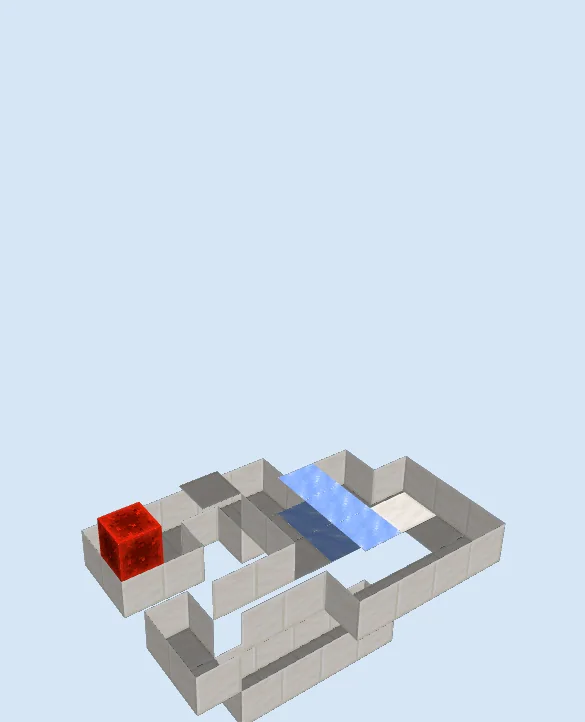
Construct the Lower Foundation and Ice Track
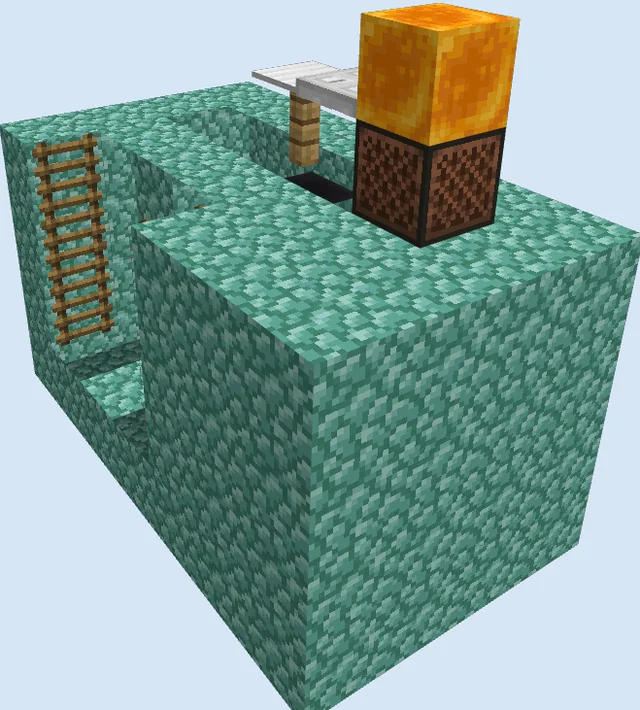
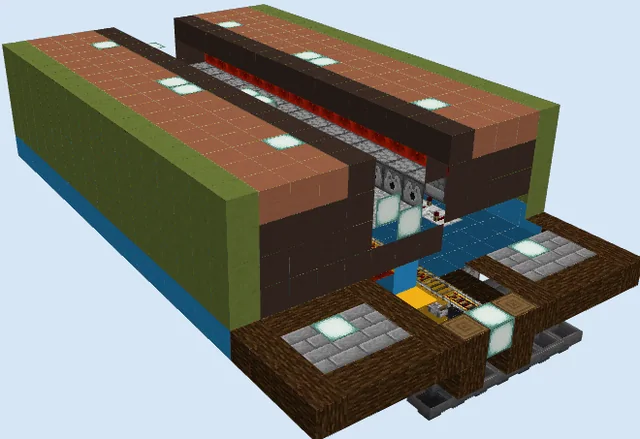
Layers 1–3 of 13Lay down the base perimeter using quartz blocks to carve out the bottom collection trenches and wiring channels. Place the first stretch of ice blocks along the lower trench to establish the return glide path, and set the redstone block in the corner pocket to power the adjacent mechanical lines.
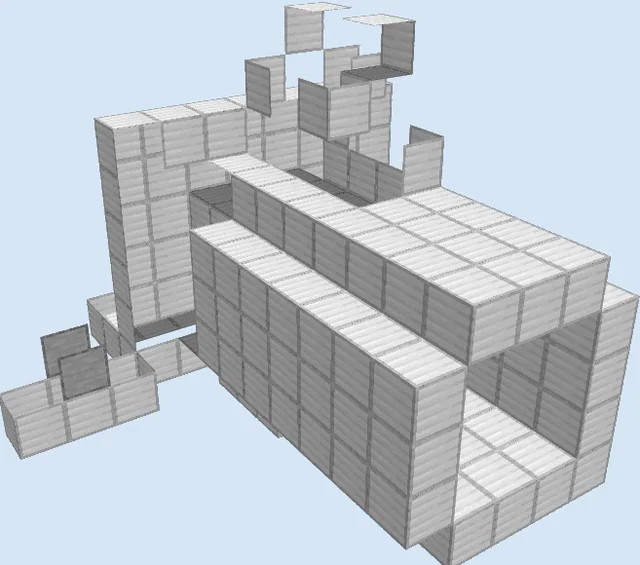
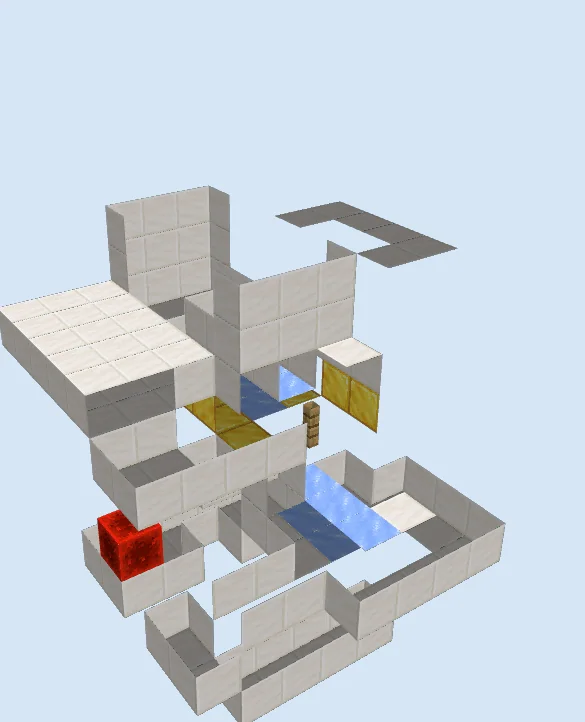
Assemble the Mid-Level Structure and Water Channels
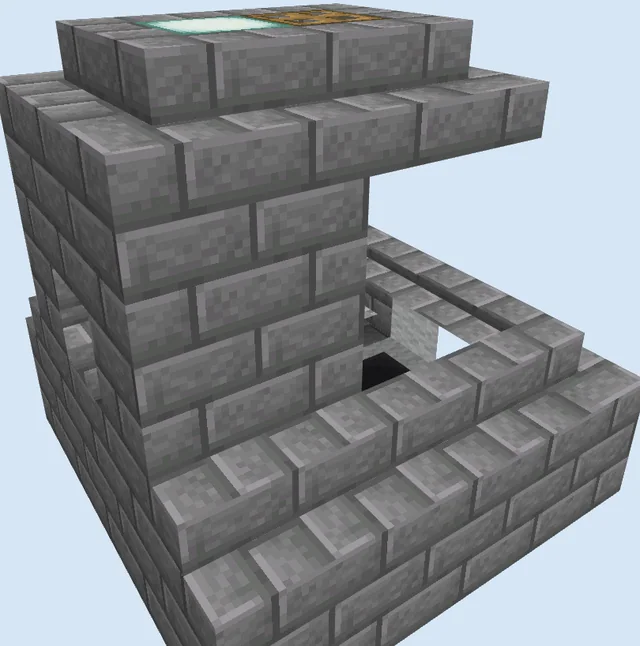
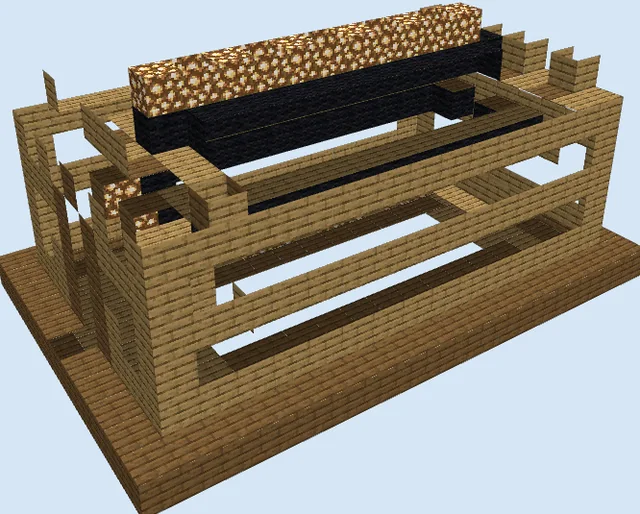
Layers 4–8 of 13Raise the quartz walls around the central display area and build the elevated side platform. Mount the gold blocks along the interior backing, insert the oak wall signs and oak fence post to partition water streams, and lay down the upper ice blocks that guide items across the front viewing corridor.
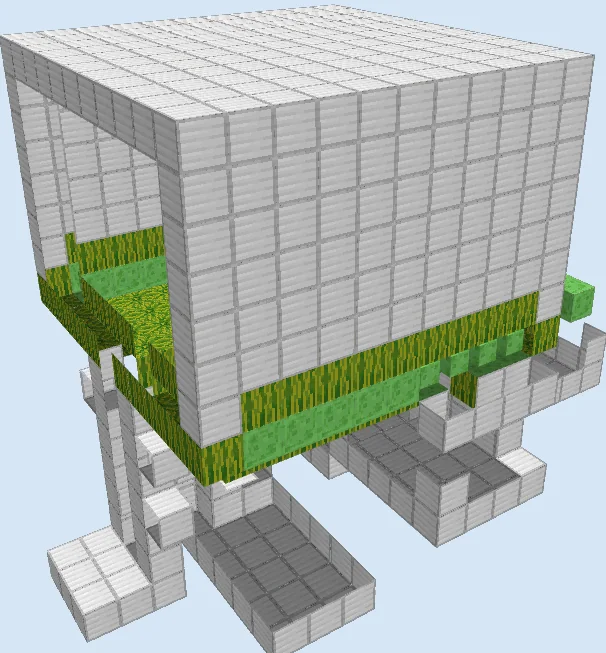
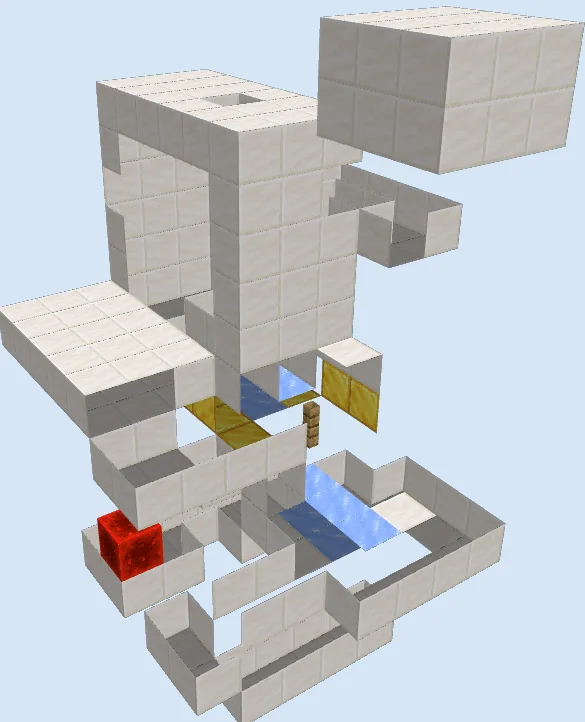
Enclose the Top Frame and Viewing Enclosure
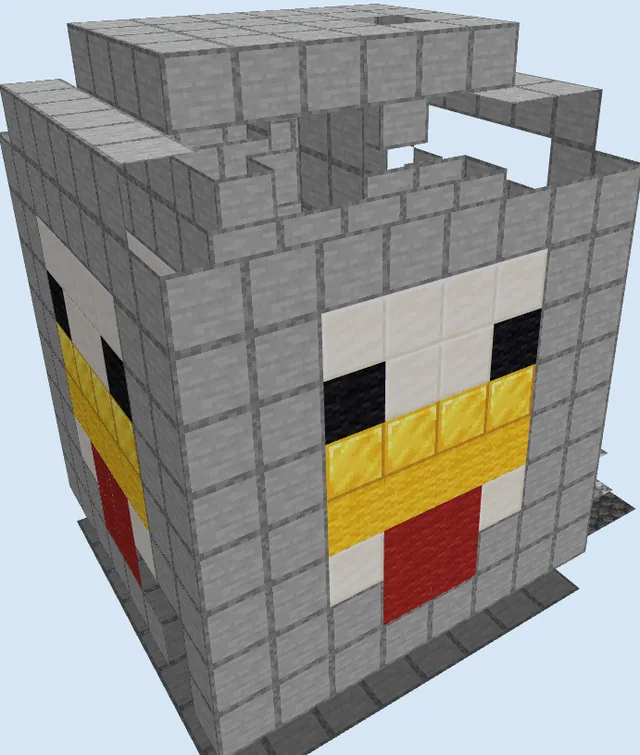
Layers 9–13 of 13Bridge the top of the structure with quartz blocks to create the upper roof arch and dispenser mounting brackets. Install the dispensers at the top drop chutes, seal the front viewing opening with glass blocks, and verify that all hopper connections feed securely back into the dispensers.
Finishing touches
Test the mechanism by dispensing single items and observing their path along the ice to ensure they do not catch on block edges or stall before reaching the hoppers. Ensure that nearby torches or glowstone blocks are not placed close enough to melt the ice into standard water blocks, and light the exterior perimeter to keep hostile mobs away from the redstone.
Frequently Asked Questions
Can I build this in modern versions of the game?
This is a legacy design that relies on mechanics from older versions, so you should test the item flow and redstone timing in a creative world first before building it in survival.
Why does the design use ice under the water currents?
Ice significantly reduces item friction, allowing items dispensed into flowing water to glide quickly across the viewing window before losing momentum.
Will the fish items despawn while running?
Items will not despawn as long as the hoppers collect them well before the standard five-minute despawn timer and feed them back into the dispensers.