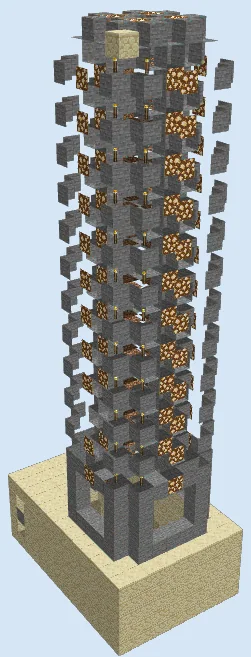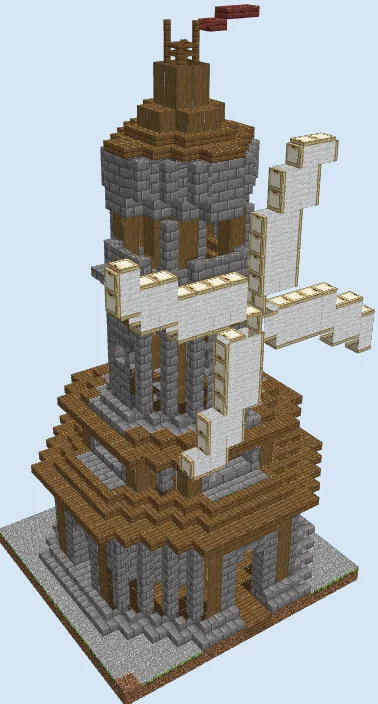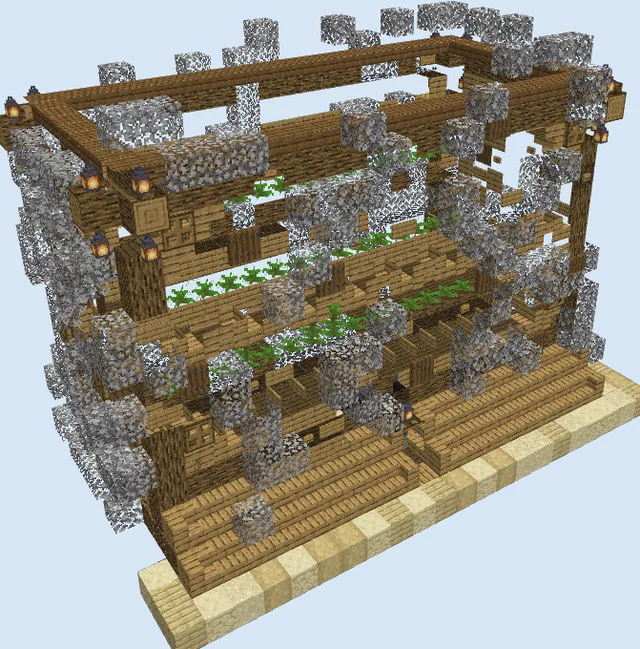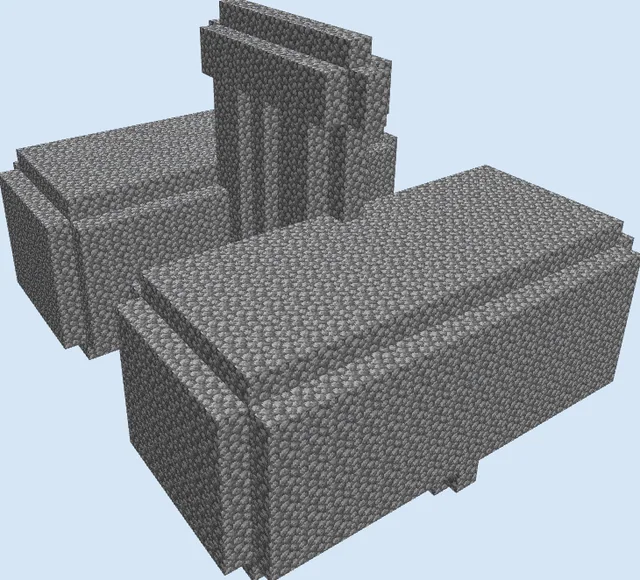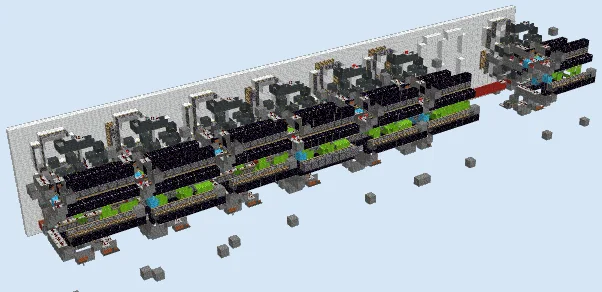
What you are building
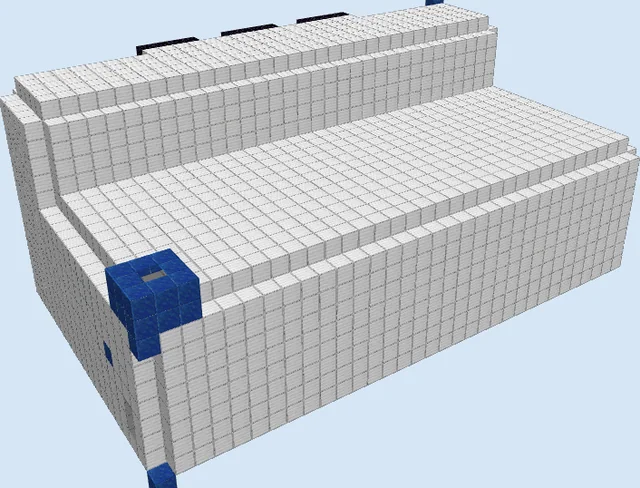
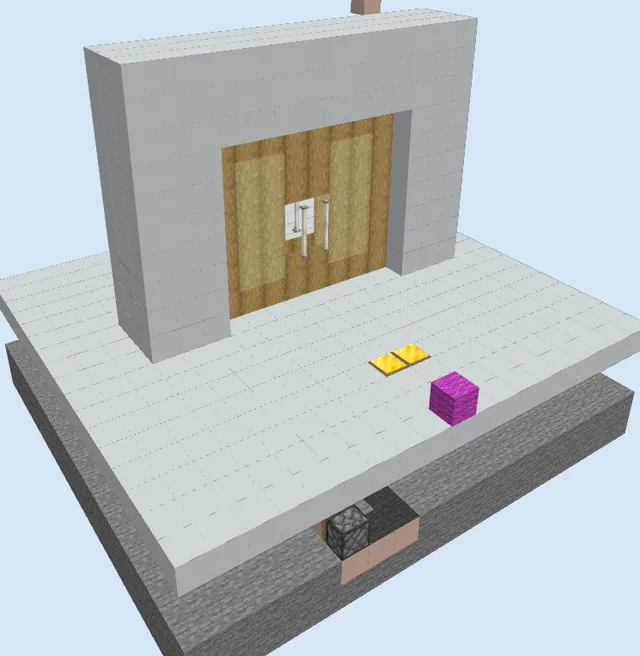
The Large Twelve Hour AM PM Redstone Clock is an engineering marvel designed to keep accurate in-game time and display it across a towering digital board. Built behind an expansive white wool backdrop, this system uses synchronized piston counters and logic lines to show hours, minutes, and day-night periods clearly from a distance.
Because of its immense footprint—stretching nearly 80 blocks wide—this project is ideal for central spawn hubs, creative redstone worlds, or the exterior wall of a major survival megabase. While it requires a significant amount of wiring and quartz-heavy repeaters, having a living, fully mechanical clock visible across your settlement is one of the most rewarding additions you can build.
Ensure this build fits entirely within active chunk loaders or spawn chunks; unloading chunks while pistons are in motion can desynchronize the display.
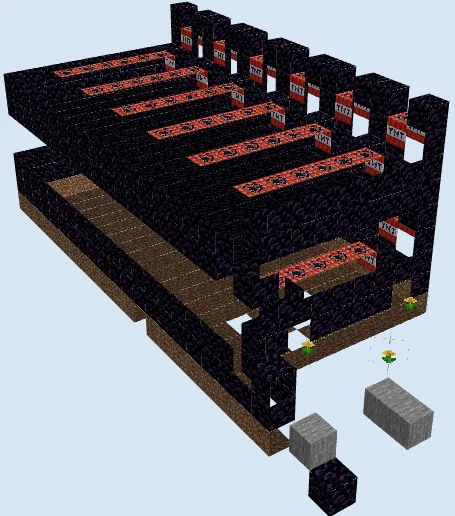
Obsidian blocks cannot be substituted with normal building blocks, as they are required to stop sticky pistons from pulling adjacent mechanism parts.
Materials 5,565 blocks · 20 types
- White Wool1,22419 stacks + 8
- Redstone Wire97215 stacks + 12
- Stone94014 stacks + 44
- Obsidian4406 stacks + 56
- Glass4356 stacks + 51
- Gray Wool3856 stacks + 1
- Repeater3605 stacks + 40
- Piston2243 stacks + 32
- Lime Wool1862 stacks + 58
- Sticky Piston1682 stacks + 40
- Piston Head661 stack + 2
- Lever56
- Acacia Wall Sign34
- Red Wool30
- Light Blue Wool19
- Acacia Button7
- Redstone Torch7
- Redstone Wall Torch7
- Acacia Sign4
- Chest1
How it works
The machine operates through interconnected timing circuits, shift registers, and piston memory banks. An internal pulse generator drives the clock forward tick by tick, sending precise redstone signals through rows of repeaters and stone routing pathways. Long rows of obsidian prevent unwanted piston movement, keeping the mechanical pushes constrained strictly to their designated channels.
As time increments, the logic circuits shift colored wool and push piston heads to update binary or segment lines. These pulses travel horizontally and vertically into the display facade, shifting the visible readout to display hours, increments of time, and toggle between AM and PM indicators seamlessly.
How to use it
Once built, calibrate the starting time using the control levers and buttons located along the lower logic arrays. Ensure the entire length of the clock stays within loaded chunks—or inside a spawn chunk area—so the repeaters and piston cycles never freeze mid-tick. Sit back and watch the display automatically track the passage of time without any manual upkeep.
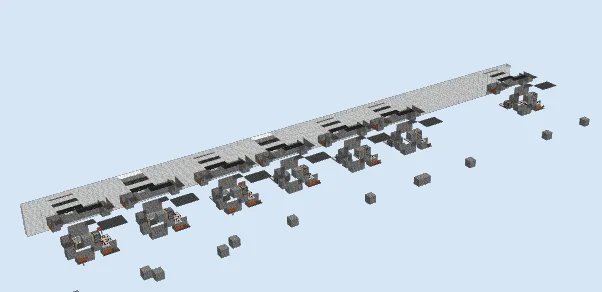
Lay Foundation and Lower Timing Lines
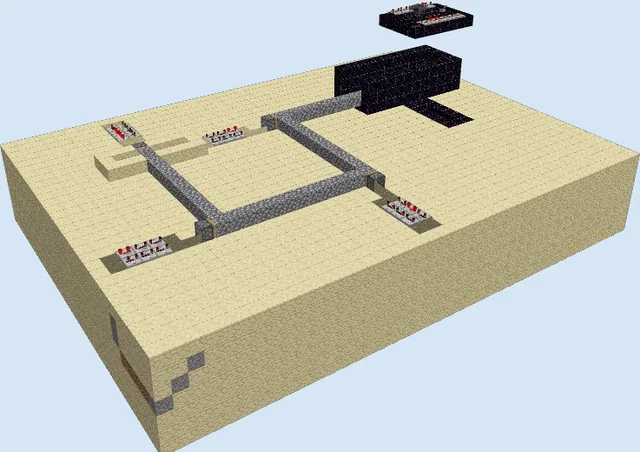
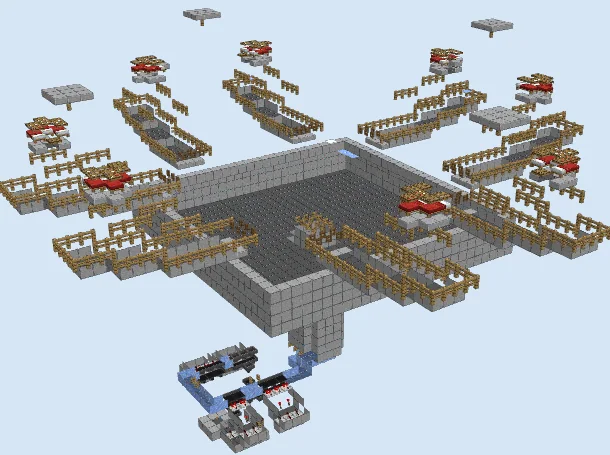
Layers 1–4 of 14Start by clearing a flat 79 by 19 area. Lay the initial row of White Wool along the back edge to serve as the display base, and construct the lower Stone supports spaced out across the build footprint. Place down the first sets of Repeaters, Redstone Wire, and Obsidian strips along the bottom layer to establish signal paths.
Install the lower Acacia Buttons, Redstone Torches, and Levers that form the calibration inputs. Pay strict attention to repeater delay settings on these bottom channels, as they synchronize the minute increments across the entire machine.
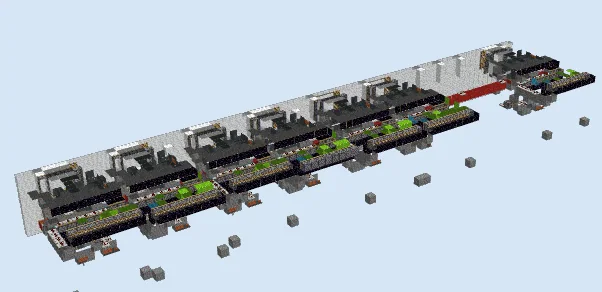
Assemble Piston Logic and Middle Wiring
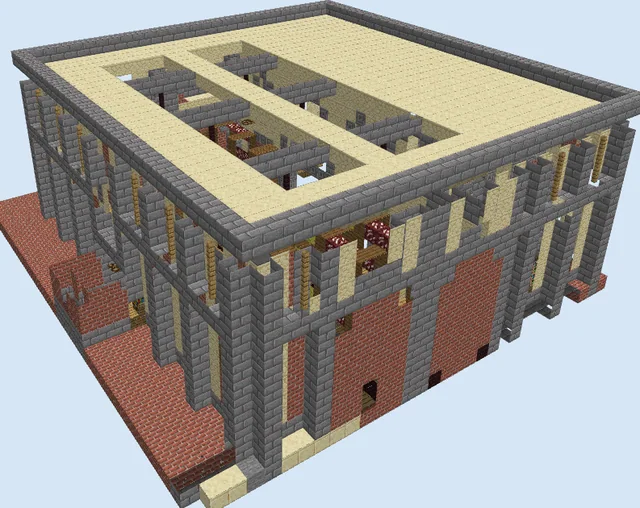
Layers 5–8 of 14Extend the Stone framing upward and begin mounting the first large tiers of regular Pistons and Sticky Pistons facing into the logic pathways. Integrate rows of Lime Wool, Light Blue Wool, and Red Wool alongside Glass blocks to isolate signals and route pulse channels vertically without cross-talk.
Run extensive lines of Obsidian directly adjacent to the piston arrays to act as immoveable block stoppers. Place Redstone Wire and Repeaters along the horizontal shelves, connecting each segment counter to the main timing spine stretching across the center.
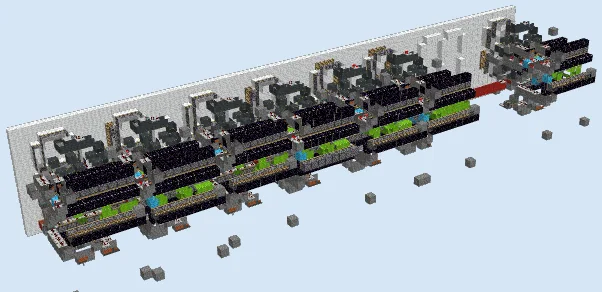
Raise Display Wall and Complete Upper Circuits
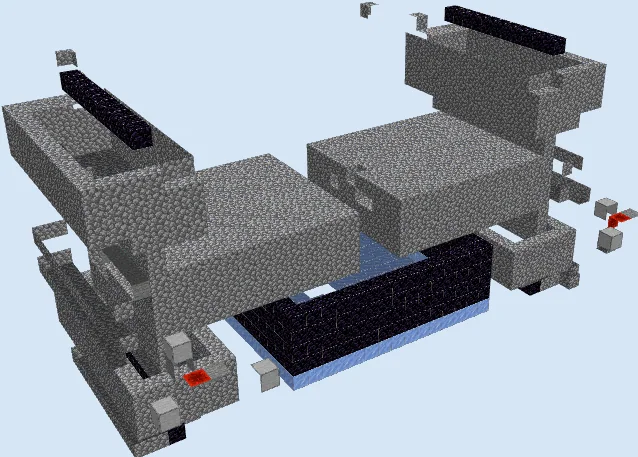
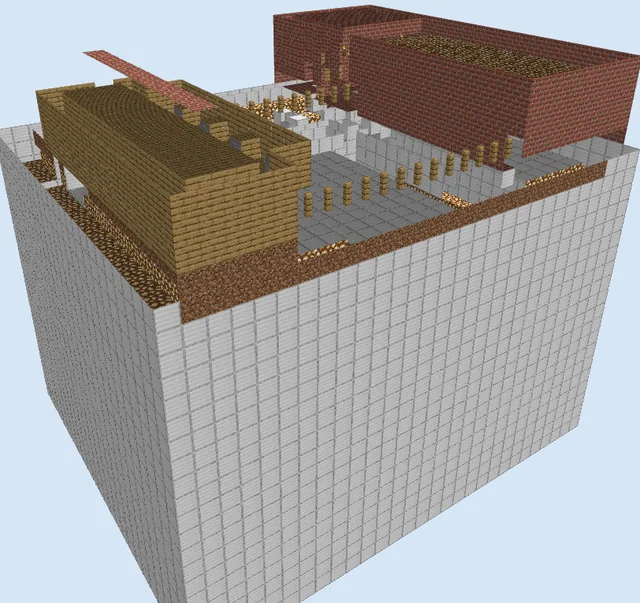
Layers 9–14 of 14Build the White Wool display wall all the way up to layer 14, framing out the digit readout windows. Behind the wall, construct the top tiers of Pistons, Sticky Pistons, and Gray Wool routing towers that drive the uppermost display segments.
Finish placing the remaining Obsidian containment blocks, Redstone Wire, and Repeaters on top of the uppermost stone walkways. Double-check all repeater tick delays from end to end to ensure no signal lag occurs between the clock pulse generator and the AM/PM toggles.
Finishing touches
Before closing off any access corridors, test each digit segment individually by pulsing the calibration inputs to verify smooth piston retraction without block sticking. Because this design relies on older mechanics, test it in a creative world before committing survival resources to make sure timing delays remain reliable in your game version. Keep the interior well lit with torches or sea lanterns to prevent mob spawns from interfering with the wiring.
Frequently Asked Questions
Why is the time readout freezing or displaying incorrect numbers?
This usually happens if repeaters have incorrect tick delays or if the machine crossed an unloaded chunk boundary while cycling. Verify all repeater timings and ensure the entire mechanism is chunk-loaded.
Can I replace the white wool display wall with another block?
Yes, you can substitute the white wool facade with concrete, terracotta, or any solid block that matches your base aesthetic without affecting redstone conductivity.