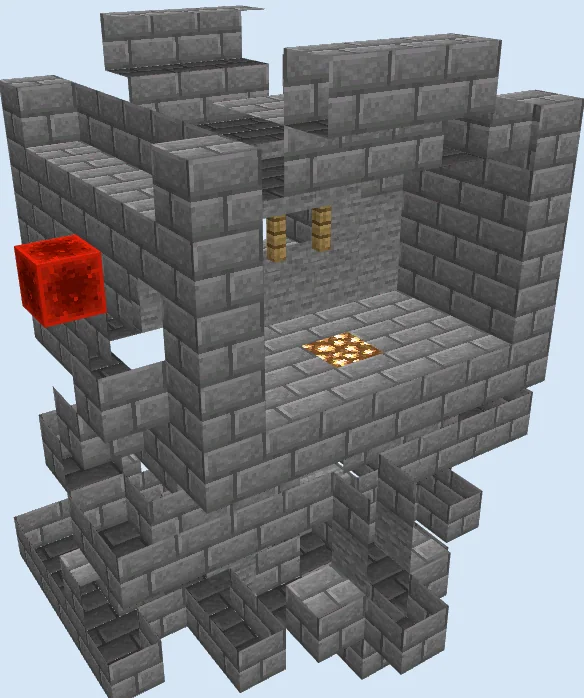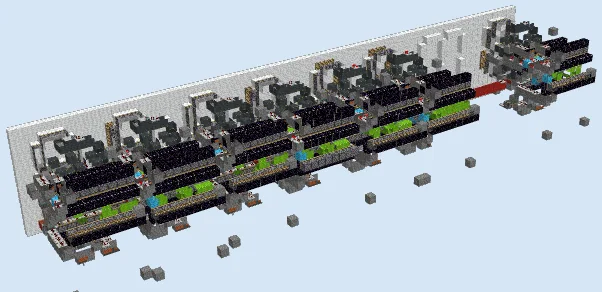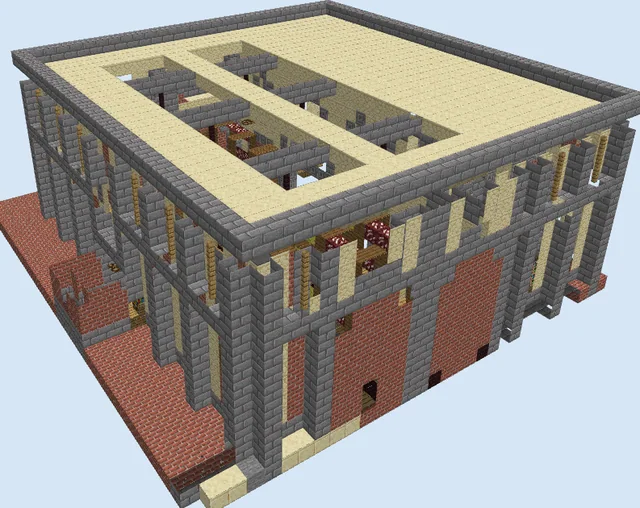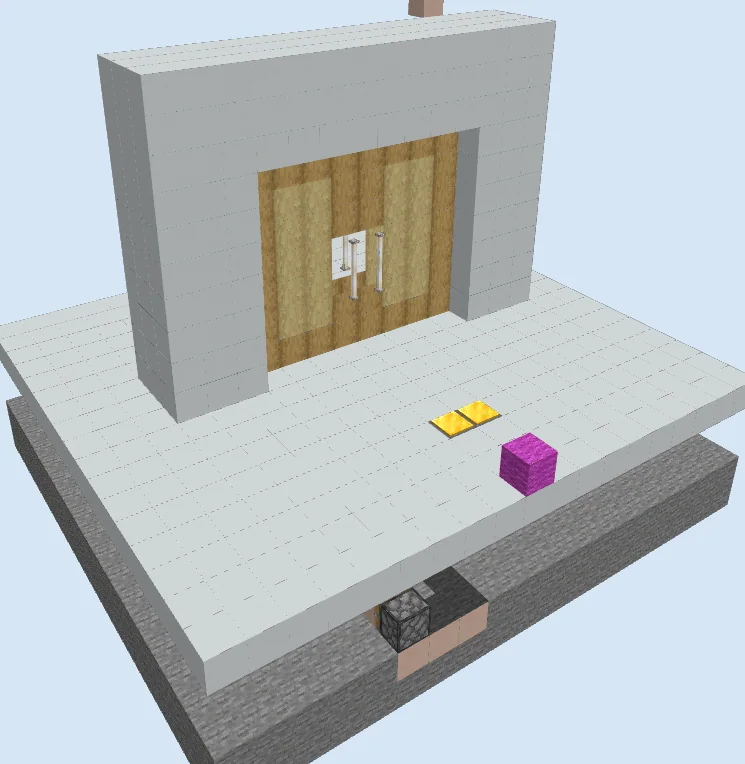
What you are building
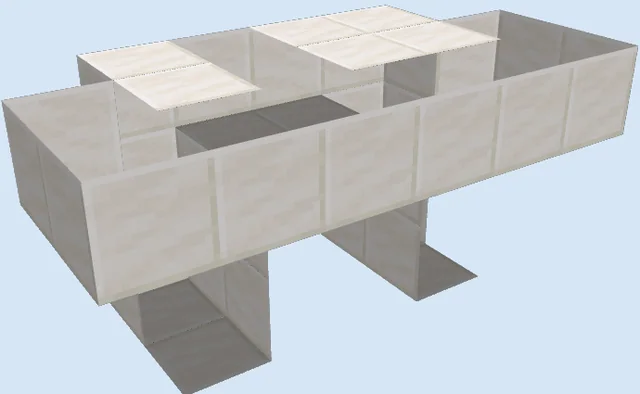
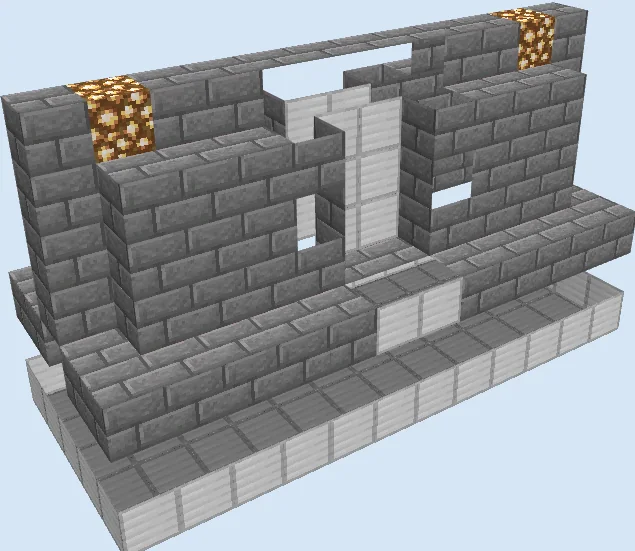
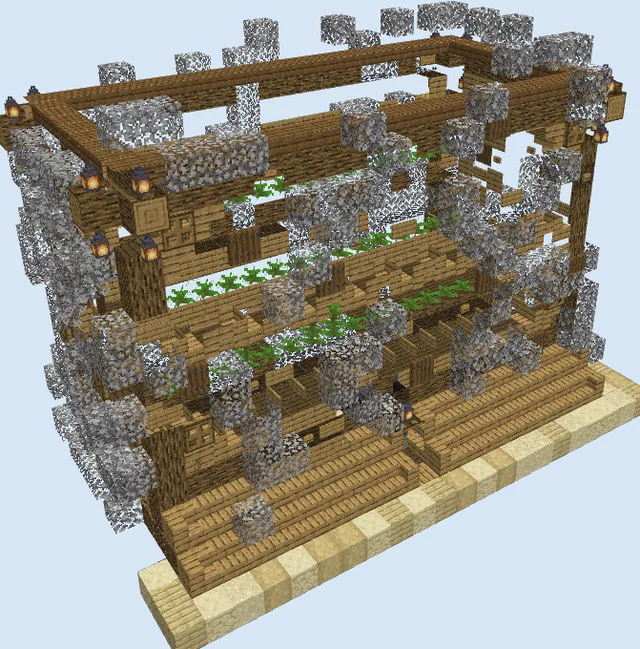
The Modern Command Block Sliding Door is a high-tech entrance design that creates a seamless, animated double-door effect. Built with clean white concrete, stripped wood panels, and subtle end rod handles, it offers an aesthetic entrance ideal for modern bases, creative builds, or custom adventure maps.
Unlike traditional piston doors, this design incorporates command blocks alongside redstone repeaters and pressure plates to smoothly operate wide double doors without exposing bulky mechanical arms. It fits perfectly in modern creative builds, high-tech facilities, or custom server hubs.
Materials 1,444 blocks · 14 types
- Stone5758 stacks + 63
- White Concrete5758 stacks + 63
- White Terracotta871 stack + 23
- Redstone Wire751 stack + 11
- Stripped Oak Wood36
- Repeater24
- Stripped Birch Wood20
- Chain Command Block17
- Command Block13
- End Rod8
- Torch7
- Light Weighted Pressure Plate4
- Sticky Piston2
- Magenta Wool1
How it works
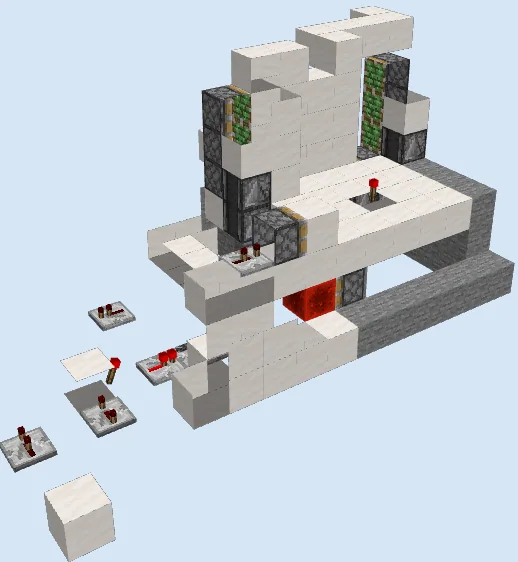
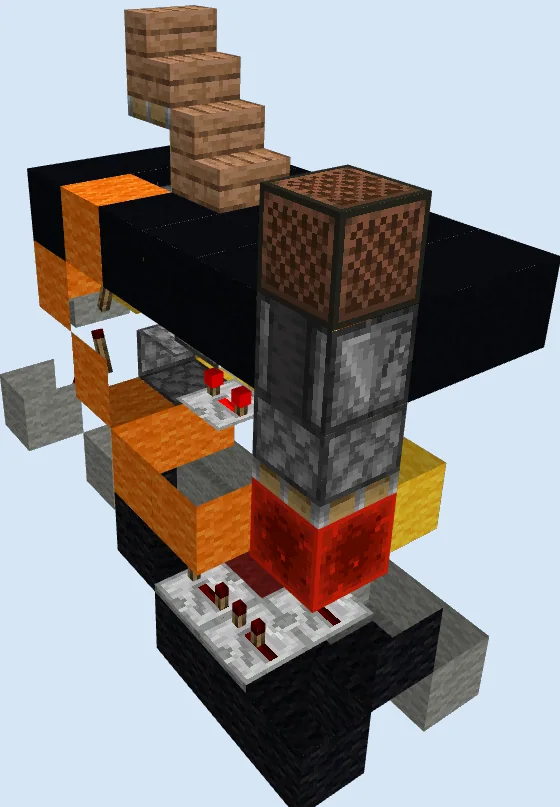
Stepping onto the light weighted pressure plates sends a redstone pulse into the wiring concealed beneath the white concrete floor. This signal activates a chain of underground command blocks and repeaters, which run timed block-cloning or placement commands in sequence to simulate the stripped wood door panels retracting into the hollow side walls.
A secondary set of commands handles the closing sequence after a short delay dictated by redstone repeaters, restoring the stripped oak and birch wood panels along with the end rod door handles back into place seamlessly.
How to use it
To use the door, simply walk across the gold pressure plates on the approach path. The doors will automatically slide open into the hollow concrete frame and close behind you once you cross to the other side. Ensure command blocks are enabled on your server or world settings for the automated sequences to function.
Excavate and Lay Underground Trench
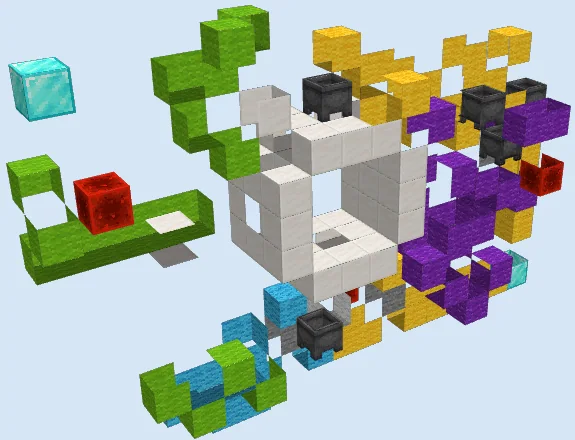
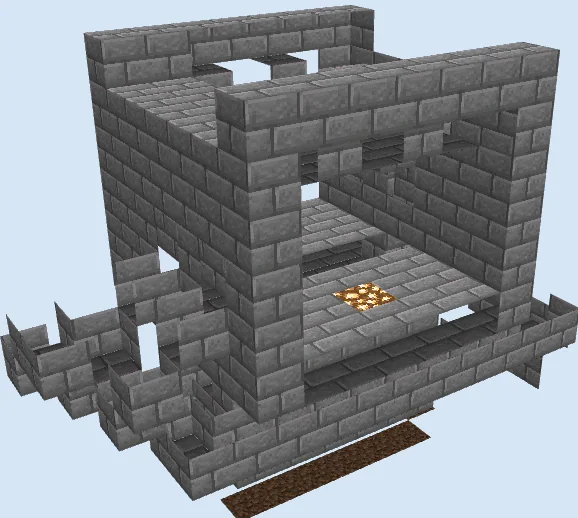
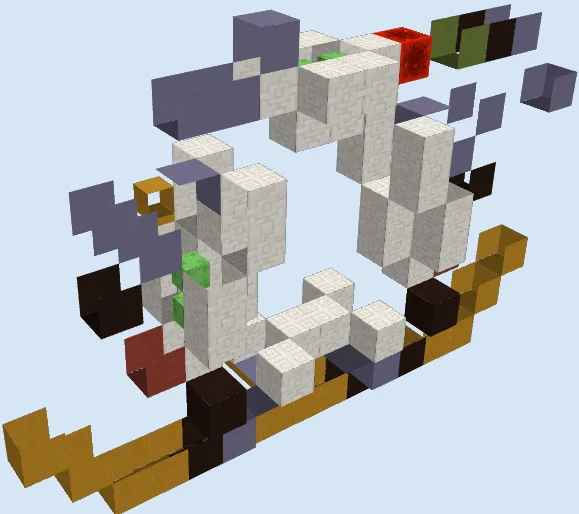
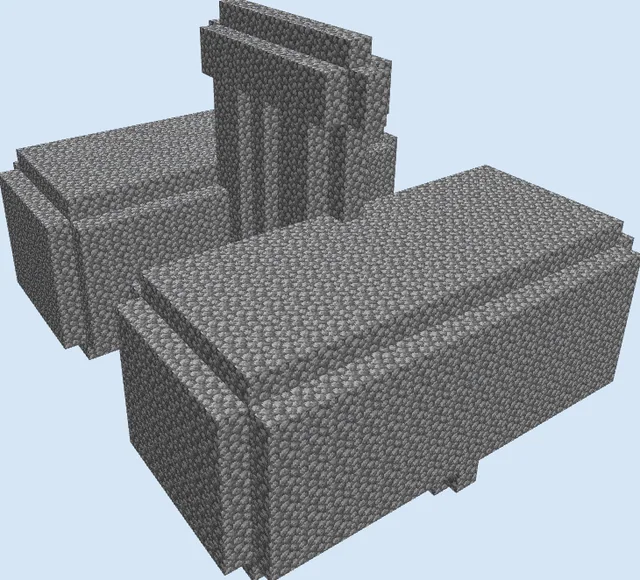
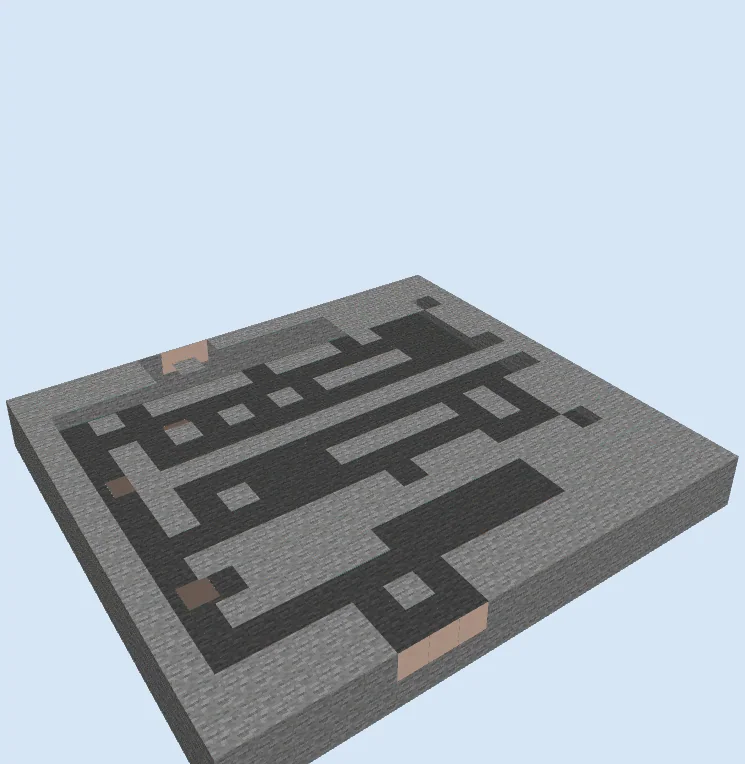
Layers 1–2 of 15Mark out the 19 by 17 footprint using stone and white terracotta to establish the subterranean wiring bay. Carve out the trenches for your underground redstone wire, repeaters, command blocks, and chain command blocks according to the layout pattern.
Lay Flooring and Base Frame
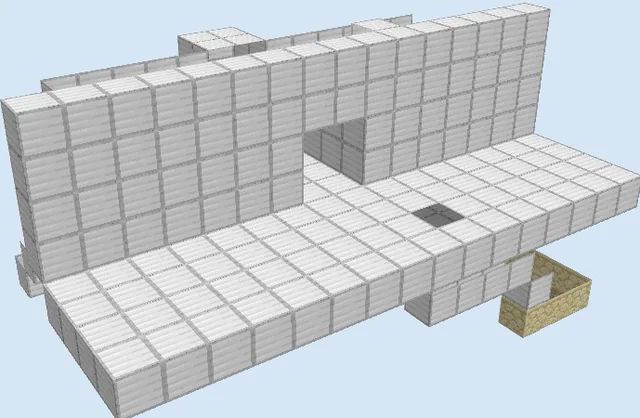
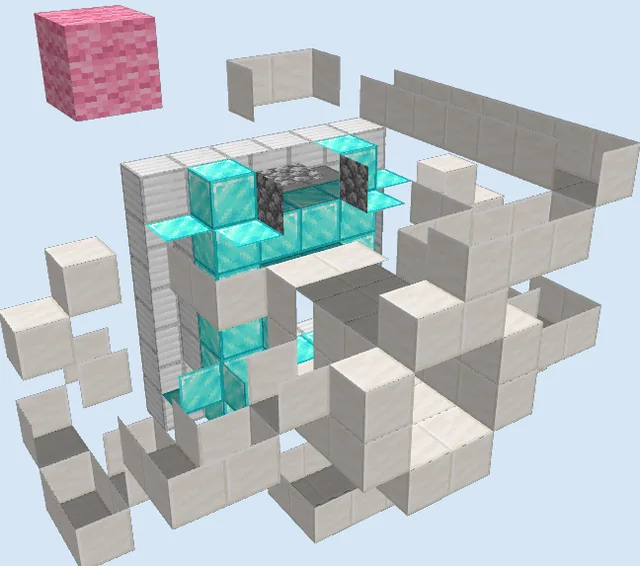
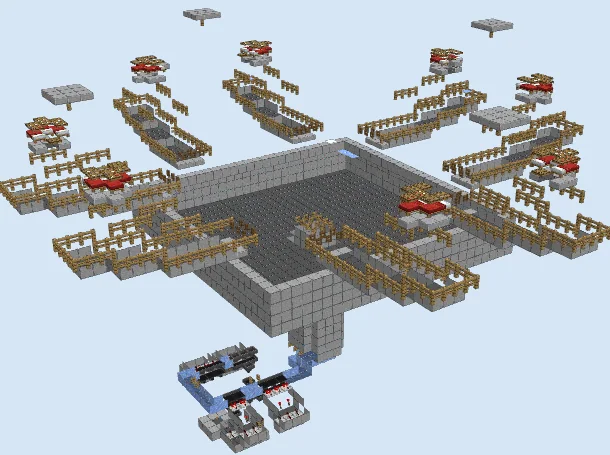
Layers 3–6 of 15Cover the underground mechanism with a smooth platform of white concrete, leaving access where the door tracks operate. Place the light weighted pressure plates on either side of the doorway, set the magenta wool guide block, and begin erecting the lower sections of the hollow door pillars and center wood barrier using stripped oak wood.
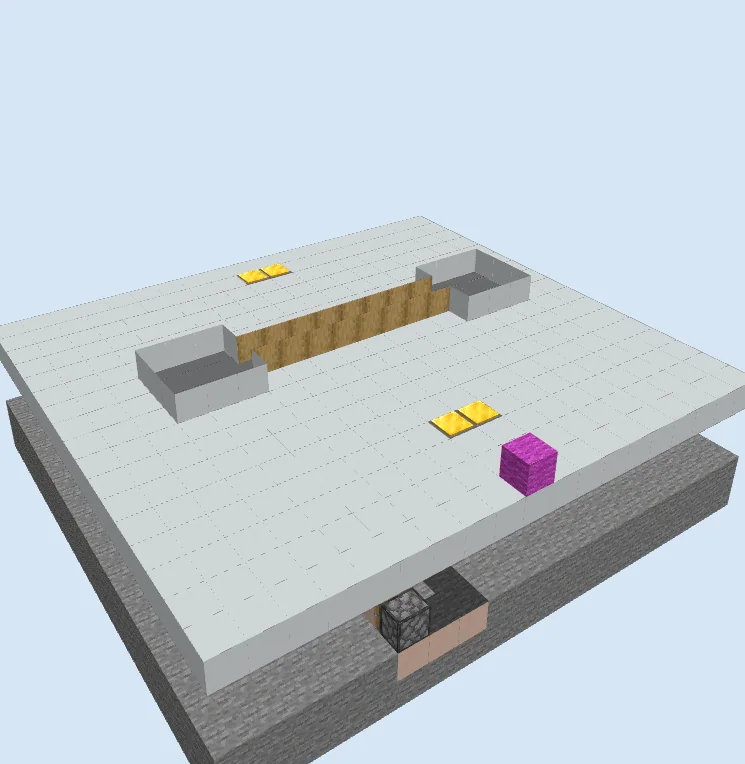
Raise Door Panels and Fixtures
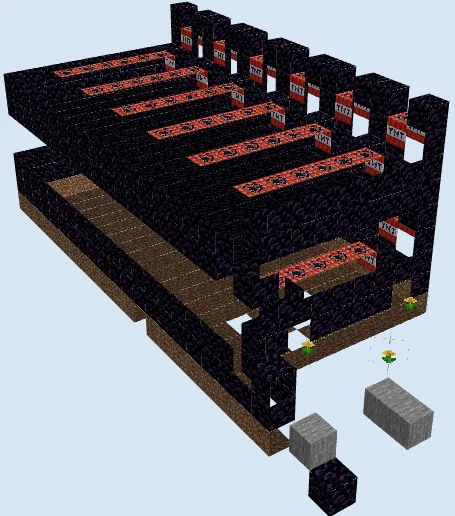
Layers 7–11 of 15Extend the hollow white concrete door jambs upward and fill in the central sliding door structure using stripped oak wood and stripped birch wood. Mount end rods vertically on the front of the inner door panels to serve as modern door handles.
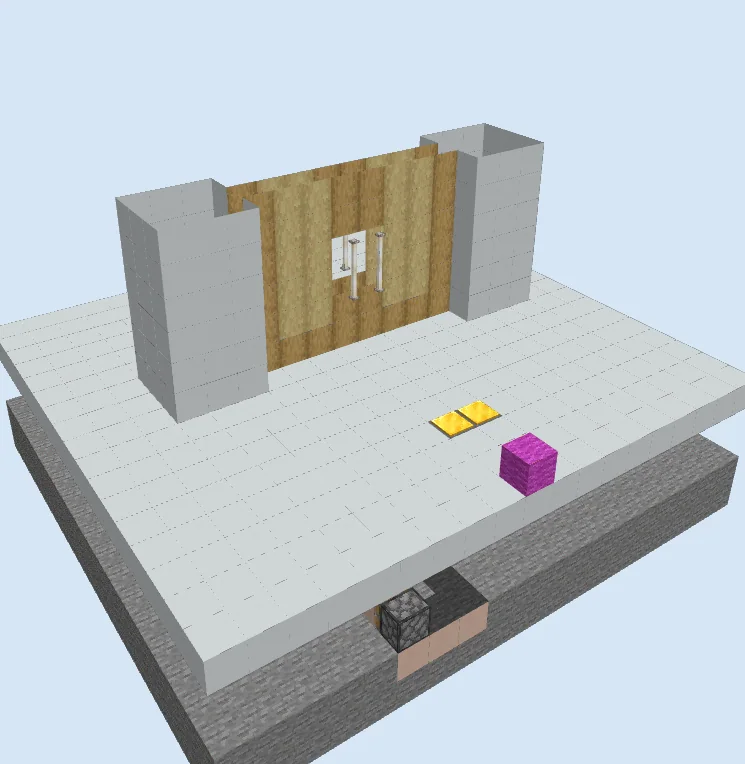
Enclose the Top Archway
Layers 12–15 of 15Cap off the entire doorway by bridging the left and right pillars with a solid lintel of white concrete. Complete any remaining command block strings and repeater timings beneath the floor, ensuring all command coordinates properly match the door's frame.
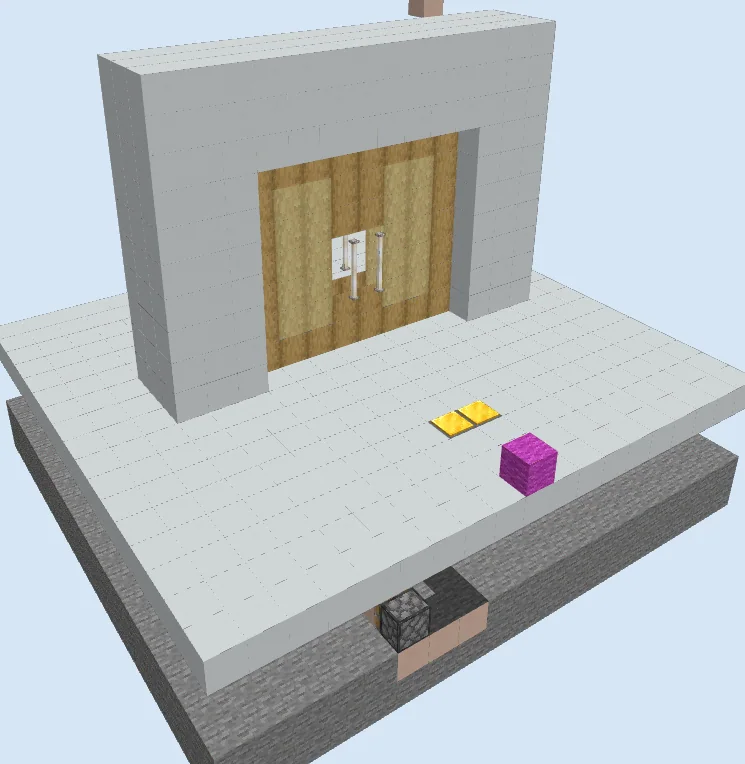
Finishing touches
Before sealing up the redstone cavity, walk over the pressure plates from both sides to ensure the command blocks execute without syntax errors and that repeater delays allow comfortable walking time. Ensure that command blocks are enabled in your world options, and add torches beneath the floor to prevent unwanted mob spawns in the wiring chamber.
Frequently Asked Questions
Can I build this door in pure Survival mode?
No, this design relies on command blocks and chain command blocks, which can only be obtained and programmed using Creative mode and operator permissions.
Why are the doors not moving when I step on the plates?
Check that command blocks are enabled in your world settings, verify redstone wire connections under the floor, and double-check that the coordinates specified in each command block match the exact location of your build.