What you are building
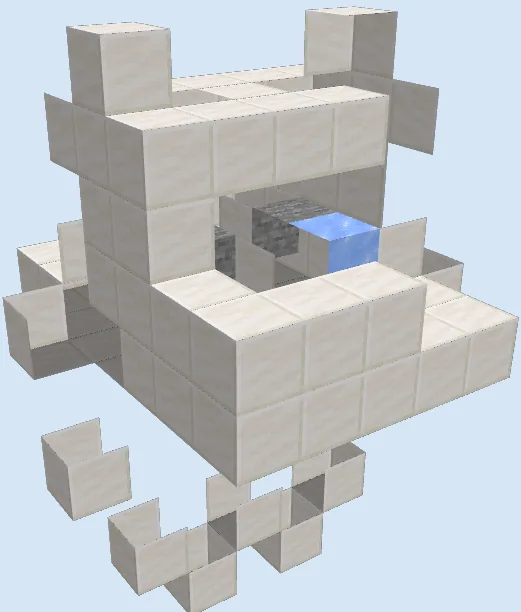
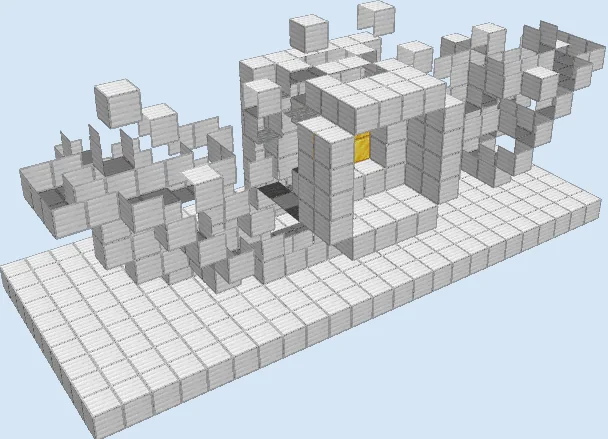
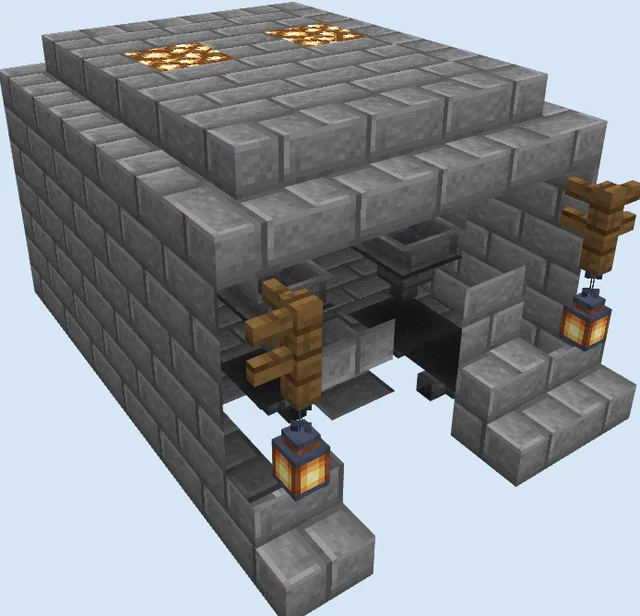
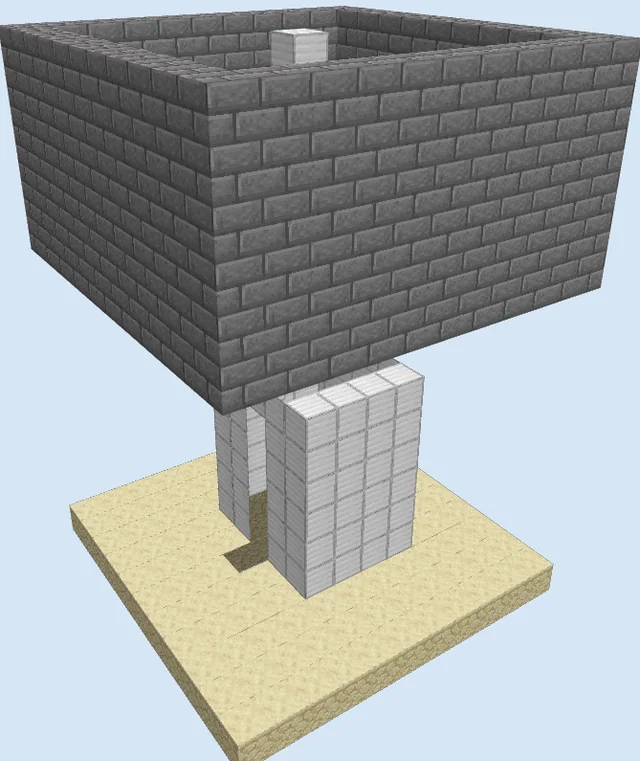
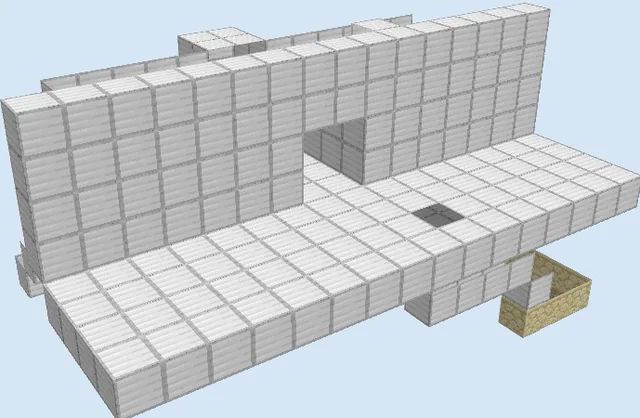
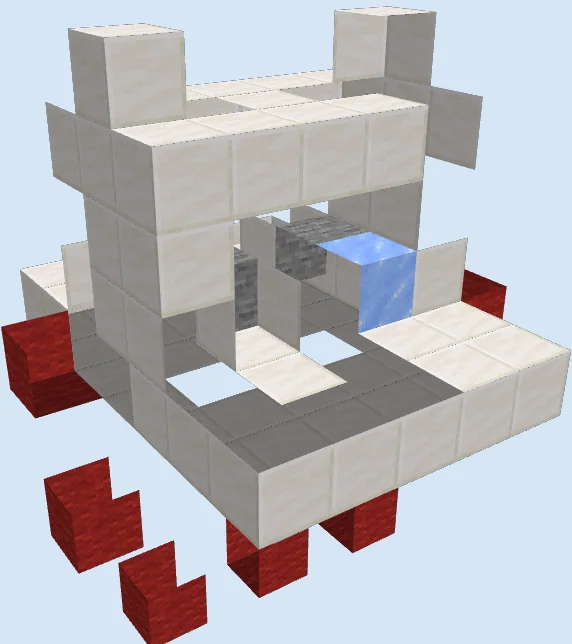
The Compact Secure Villager Trading Station is a dedicated trading stall designed to isolate and protect a villager while allowing safe, easy trade access. By enclosing the merchant in a sturdy quartz booth equipped with redstone controls, players can interact with trades without worrying about zombie attacks, wandering, or accidental hits.
This module is ideal for incorporating into a larger underground bunker, castle base, or villager market hall. Because this is a legacy layout from an older edition of Java Edition, modern villager mechanics such as job site workstations differ, so you should test the arrangement in a creative test world first before installing it in survival.
Materials 118 blocks · 13 types
- Quartz Block641 stack
- Quartz Slab10
- Red Wool8
- Redstone Wire8
- Redstone Torch8
- Glass5
- Lever4
- Repeater2
- Piston2
- Ice2
- Stone2
- Sticky Piston2
- Water1
How it works
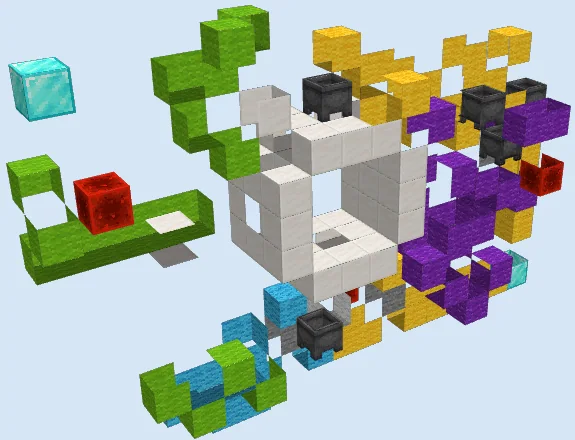
Villagers are positioned inside the chamber over an ice block, allowing smooth movement into the locked trading pocket. Sticky pistons and regular pistons wired to levers and redstone torches control access points, letting the player toggle protective barriers or lock the villager firmly into place.
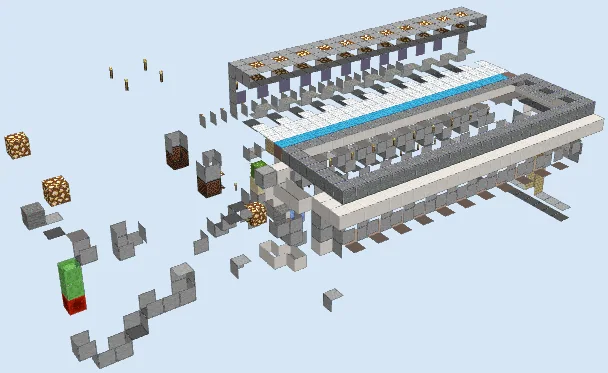
The redstone circuitry beneath the stall uses red wool mounting blocks, redstone wire, repeaters, and torches to route signals cleanly around the compact 7x7 footprint without taking up valuable trading floor space.
How to use it
To use the station, route a villager into the central chamber and use the levers to engage the pistons, securing the villager in front of the trading opening. Stand on the front quartz platform to access trades safely through the gap, and use the secondary controls if you need to release or swap the villager.
Lay the Redstone Foundation
Layers 1–2 of 9Begin by setting down the red wool blocks in the lower foundation layer. These colored blocks serve as designated mounting points for your lower redstone wire runs, torches, and repeaters directly underneath the upcoming trading stall.

Build the Floor Platform
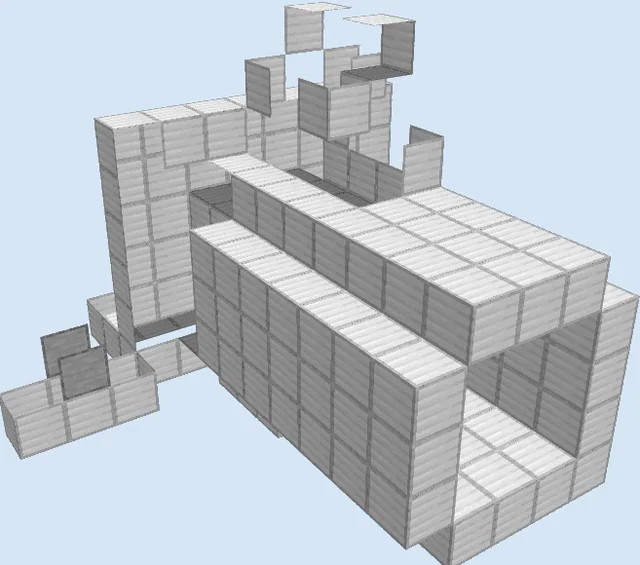
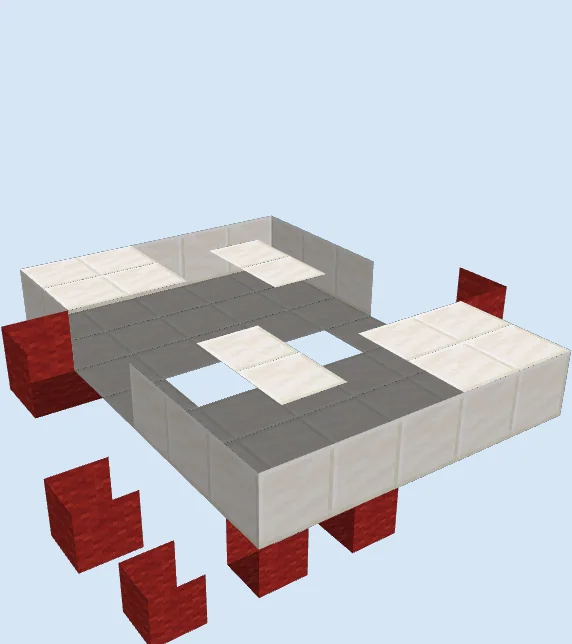
Layers 3–5 of 9Construct the surrounding platform using Quartz Blocks and Quartz Slabs. Leave open slots in the center for the mechanical drop chutes and line the outer edges with additional red wool blocks to continue routing signal paths to the front operating controls.
Erect the Chamber and Mechanisms
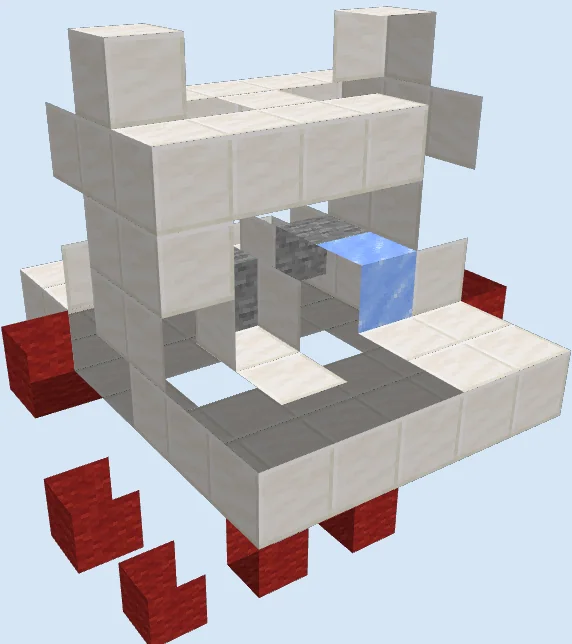
Layers 6–9 of 9Build up the upper quartz frame, installing the Ice blocks, Stone, and pistons inside the central chamber. Encase the top using remaining Quartz Blocks and Quartz Slabs to seal the villager booth securely while leaving an opening for trading.
Finishing touches
Before bringing in any valuable villagers, test all levers to verify that the pistons extend and retract reliably without cutting redstone lines. Add proper lighting around the perimeter and roof to prevent hostile mob spawns directly on or near the trading stall.
Frequently Asked Questions
Can multiple stations be placed side by side?
Yes, but you will need to leave a one-block buffer or tile the redstone carefully to prevent cross-talk between adjacent levers and piston circuits.
Why does the design use ice?
Ice provides reduced friction, allowing villagers or water-stream inputs to easily slide into the containment pocket without getting stuck on block edges.