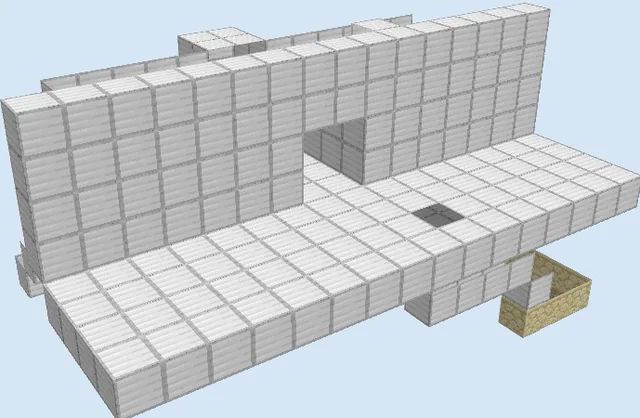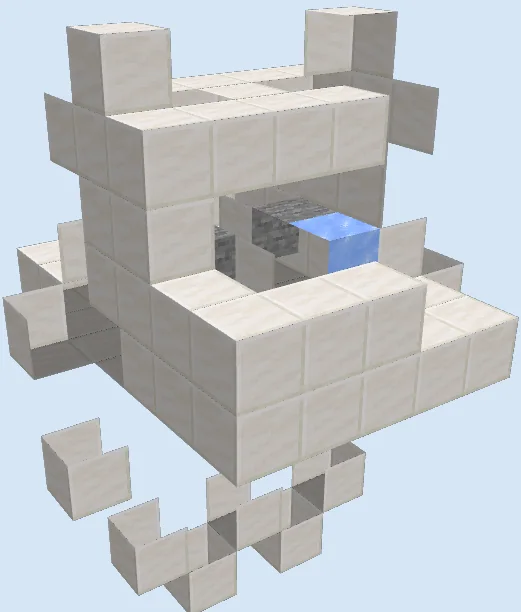
What you are building
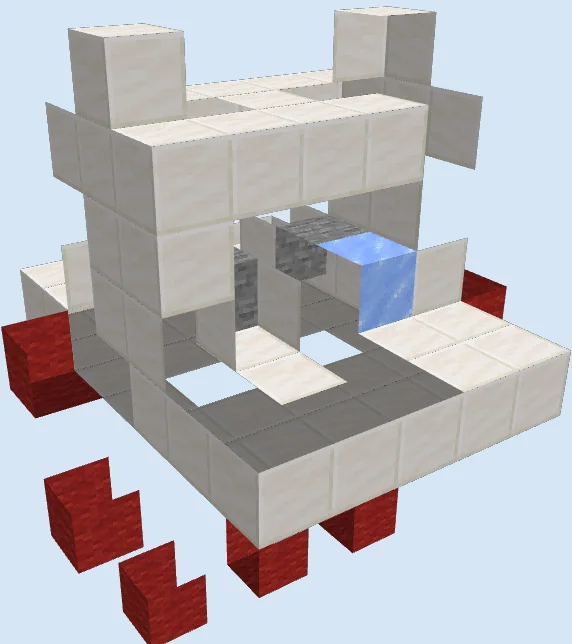
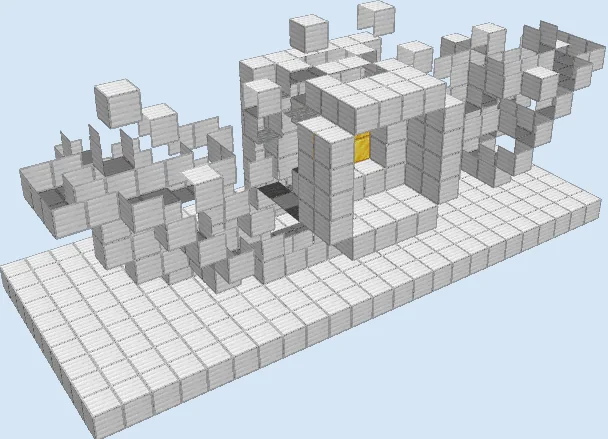
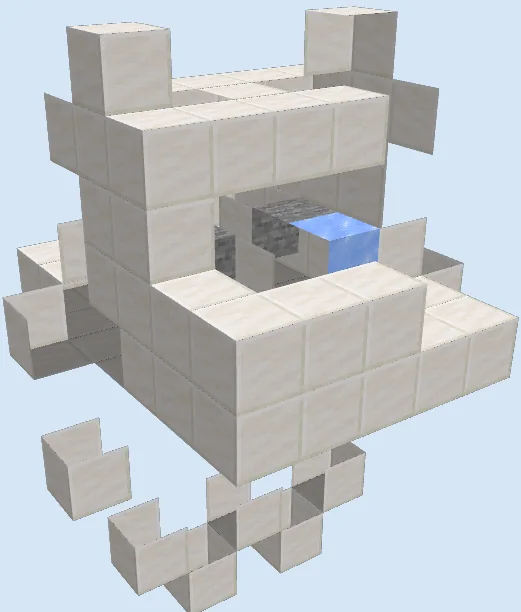
The Piston Operated Villager Trading Post Cell is a modular holding stall designed to contain and manage individual villagers for safe trading. Built primarily out of clean quartz blocks, it isolates a single merchant behind an accessible trading window while integrating redstone circuitry to lock or eject them as needed.
This design fits neatly inside underground trading halls, merchant bases, or transport hubs. Because this is a legacy build from older game versions, modern villager AI and workstation mechanics behave differently, so you should build and test this design in a creative world before committing resources in survival.
This is a legacy design created before version 1.13. Modern villagers require accessible job site blocks and beds to restock trades, so you will need to adapt the interior space in creative mode to include workstations.
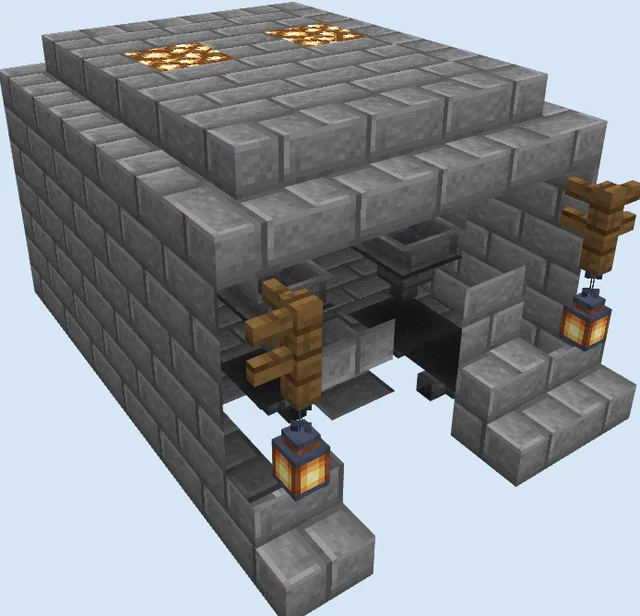
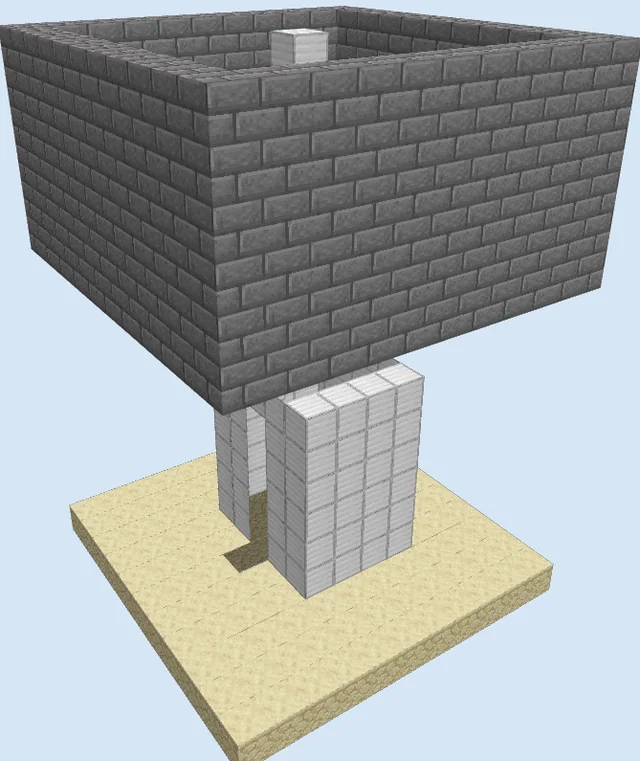
You can substitute the quartz blocks with stone bricks or colored terracotta to match your base aesthetic and color-code different villager professions across multiple stalls.
Materials 120 blocks · 13 types
- Quartz Block821 stack + 18
- Redstone Wire8
- Redstone Torch8
- Glass5
- Repeater2
- Piston2
- Quartz Slab2
- Ice2
- Stone2
- Lever2
- Oak Button2
- Sticky Piston2
- Water1
How it works
A villager enters through the upper intake, sliding over an ice block carried by a water stream directly into the holding pocket. The villager is held securely in view of the front window, keeping them safe from zombies and preventing them from wandering.
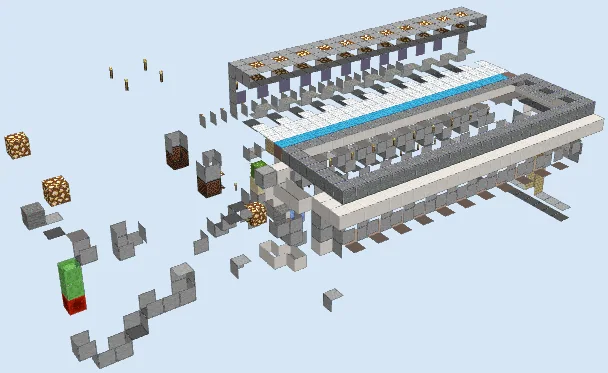
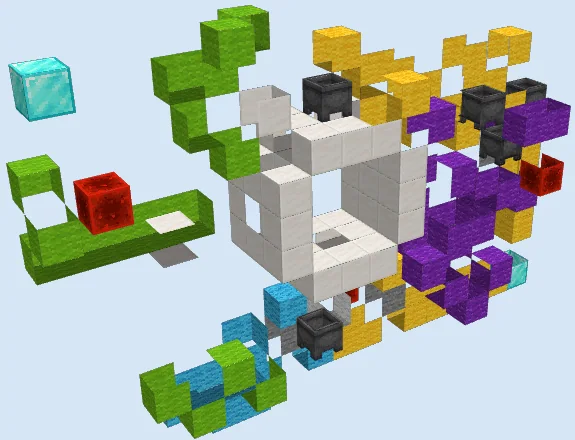
Behind the quartz walls, a circuit of redstone wire, redstone torches, and repeaters connects oak buttons and levers to sticky pistons and regular pistons. Activating the controls shifts the stone floor and adjacent blocks, either securing the villager in place for repeated trades or opening a pathway to cycle them out.
How to use it
To use the stall, route a villager into the top channel until the water stream settles them into the front compartment. Approach the window to interact with the villager and complete your trades. When you want to clear or reset the pod, press the oak button or toggle the lever to engage the pistons and drop or move the villager along your disposal line.
Lay Out the Foundation Pillars
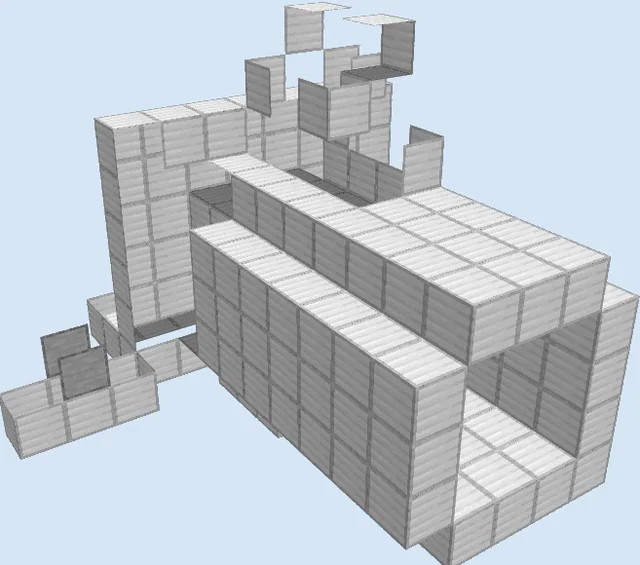
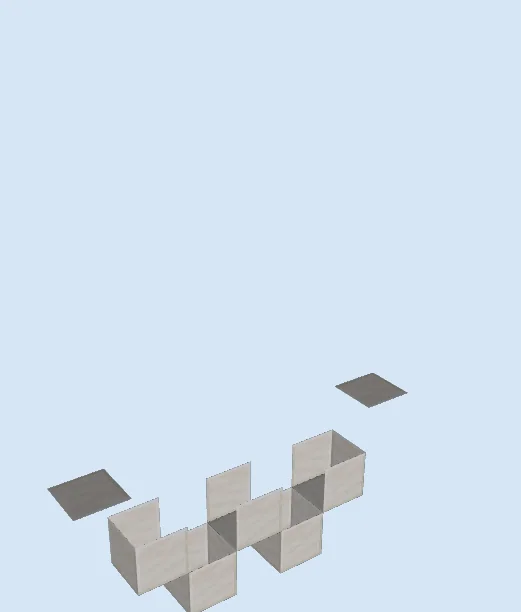
Layers 1–3 of 10Begin by placing Quartz Blocks in a staggered, raised footing pattern as shown in the base layer. These lower blocks provide mounting points for redstone torches and keep the wiring elevated above the floor.
Construct the Mid-Level Platform
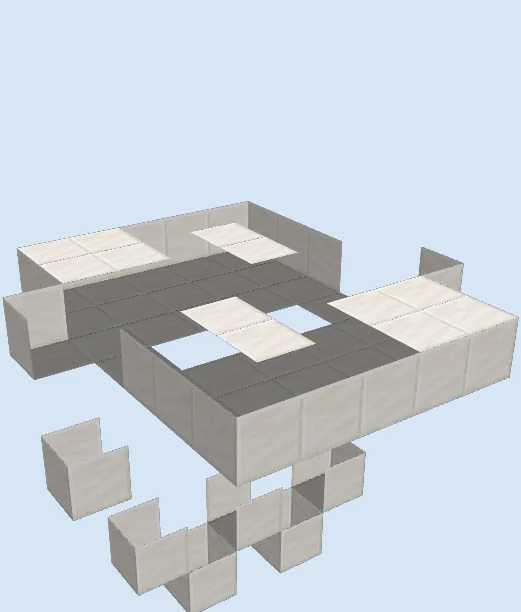
Layers 4–6 of 10Expand the quartz platform outward to form the middle tray. Place Quartz Slabs to line the lower recessed trade floor, leaving open gaps in the center for piston movement and the villager drop chute.
Assemble the Trading Chamber and Controls
Layers 7–10 of 10Erect the upper walls using Quartz Blocks and install the Glass observation blocks around the front window. Inside the chamber, place the Ice block and Water source to form the alignment stream, then attach the Pistons, Sticky Pistons, Stone blocks, Redstone Wire, Repeaters, Redstone Torches, Levers, and Oak Buttons along the back and sides.
Finishing touches
Before bringing in any villagers, test both the oak buttons and levers to confirm the pistons extend and retract reliably without breaking adjacent redstone components. Ensure the water stream flows cleanly across the ice without spilling into the redstone dust, and add lighting around the quartz exterior to keep hostile mobs from spawning on top.
Frequently Asked Questions
Can multiple cells be built next to each other?
Yes, you can tile these cells into a full trading hall, but ensure you leave at least one block of spacing between modules so the redstone dust and torches do not cross-wire.
What is the purpose of the ice block inside?
The ice block beneath the water stream accelerates incoming villagers and prevents them from getting stuck on edges as they drop into the trading chamber.