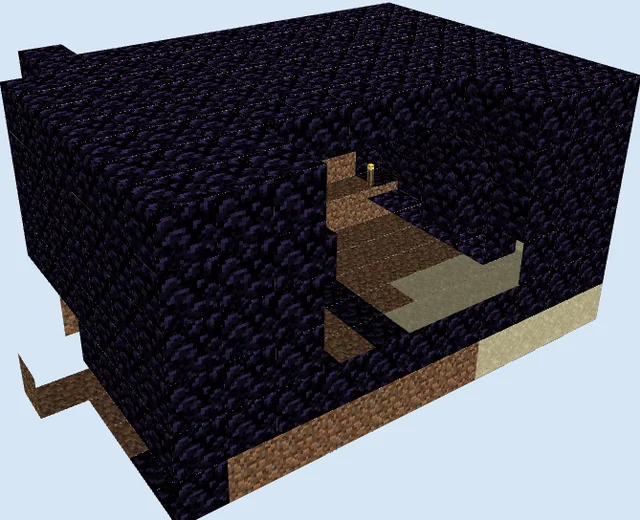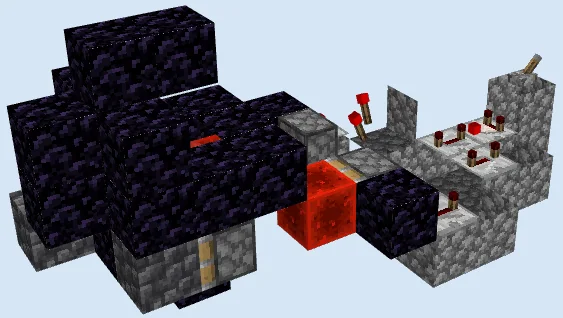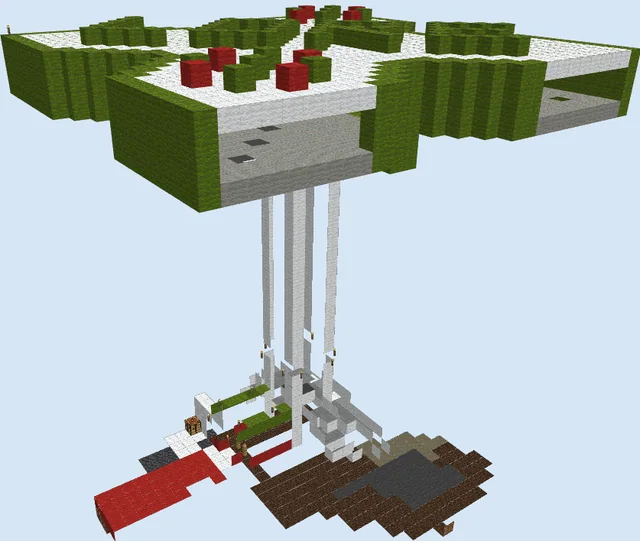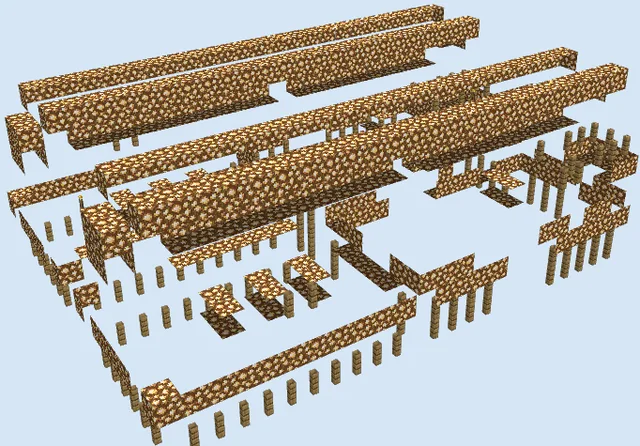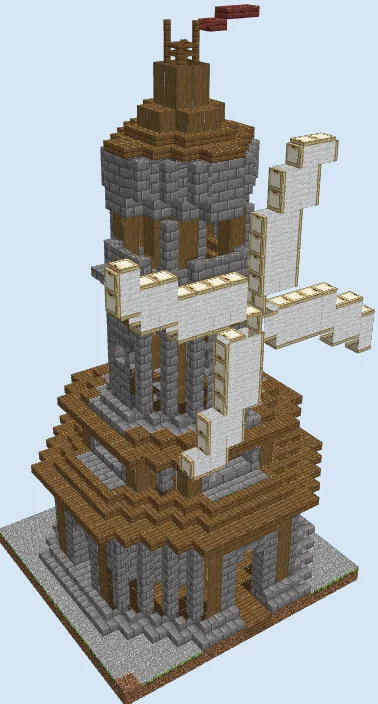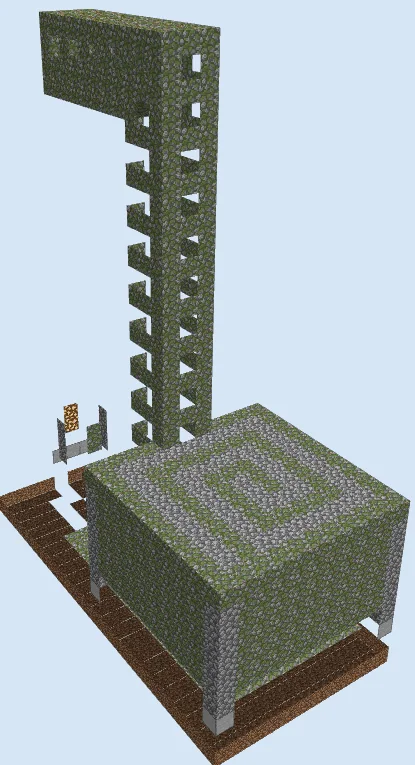
What you are building
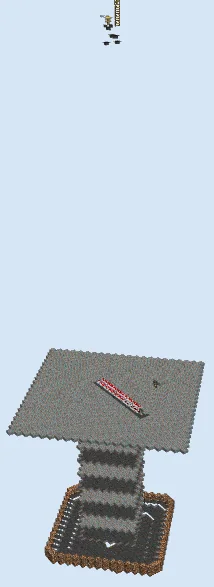
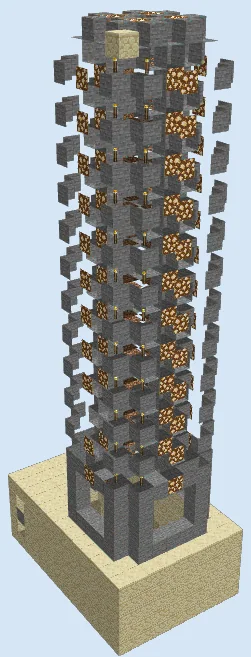
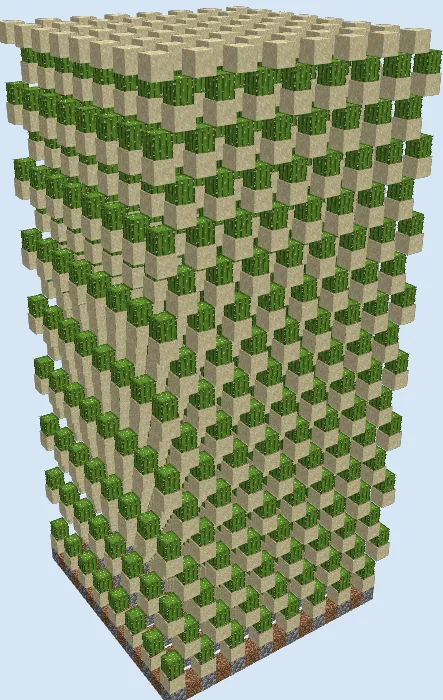
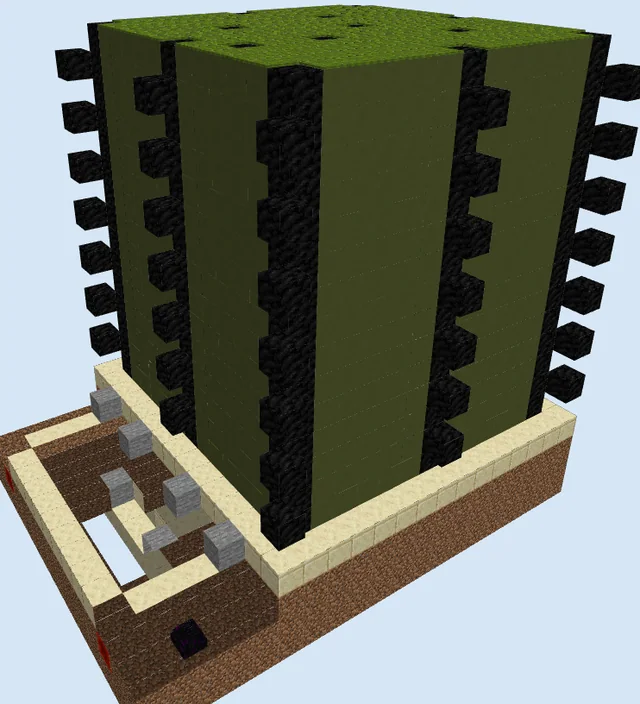
This Medium Redstone Mob Grinder is a legacy structure designed to generate mob drops efficiently. It utilizes a vertical pillar layout to house spawners and gravity-based collection to bring items to a central point.
Because this design uses outdated mechanics, you should build and test it in a creative world before attempting to incorporate it into your survival base.
Materials 1,727 blocks · 20 types
- Mossy Cobblestone66210 stacks + 22
- Glass2834 stacks + 27
- Dirt2694 stacks + 13
- Cobblestone Slab1302 stacks + 2
- Grass Block1211 stack + 57
- Water1061 stack + 42
- Cobblestone871 stack + 23
- Oak Wall Sign18
- Ladder12
- Smooth Stone9
- Redstone Wire7
- Redstone Torch6
- Glowstone4
- Oak Door4
- Spawner4
- Chest1
- Hopper1
- Lever1
- Sticky Piston1
- Jack O Lantern1
How it works
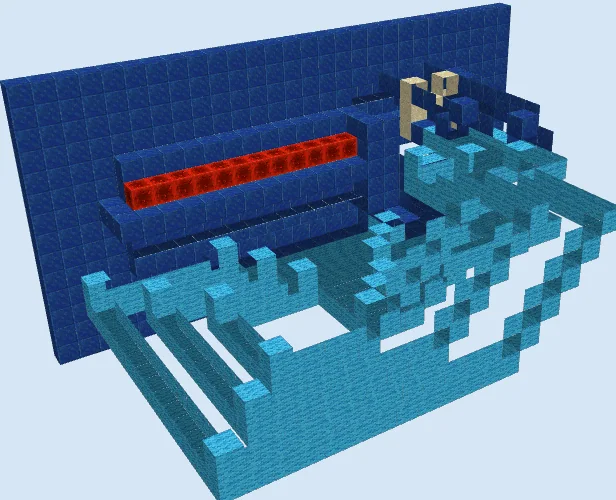
The farm relies on mob spawners placed within the vertical mossy cobblestone tower. Mobs spawn inside the structure and are guided toward a collection area. A combination of water streams and gravity transports the mobs to a lower chamber, where they can be defeated. Items are collected via a hopper and chest system located at the base.
How to use it
To operate, ensure the area around the farm is well-lit to prevent spawning outside the intended zones. Stand in the designated collection area near the chest to keep the spawners active. Periodically clear the chest to collect your items.
Establish the Foundation
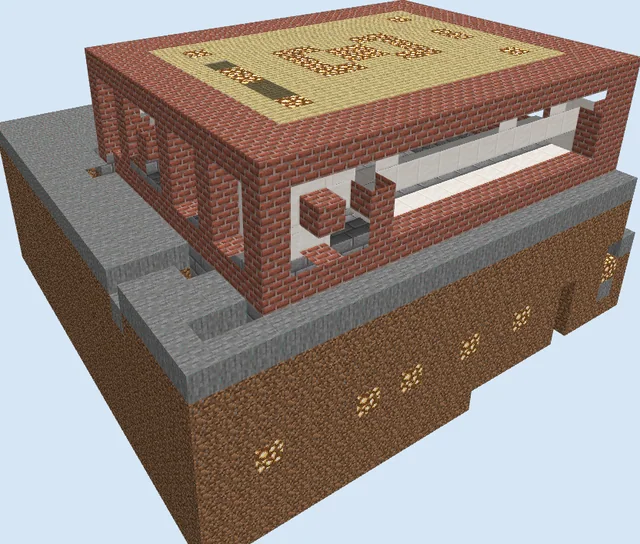
Layers 1–5 of 30Start by clearing a flat area and laying down the dirt and mossy cobblestone base. Place the initial hopper and chest at the collection point to ensure your item retrieval system is ready.
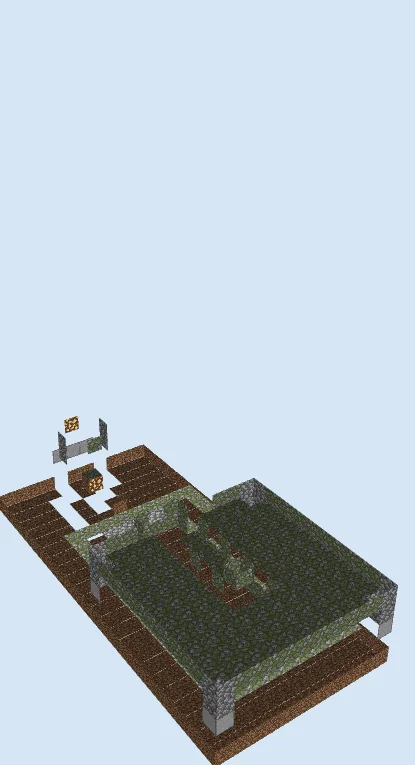
Construct the Spawning Chamber
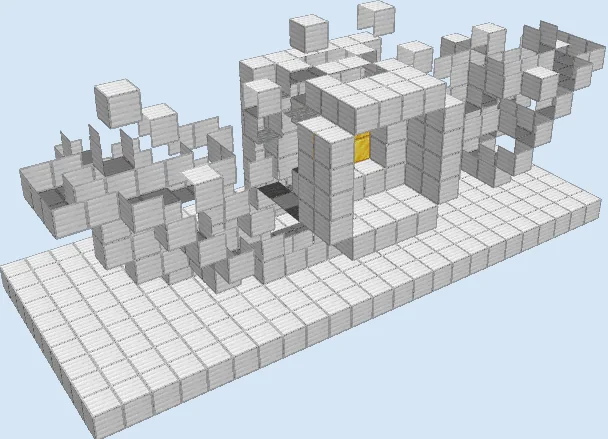
Layers 6–13 of 30Begin building the main square enclosure using mossy cobblestone and glass blocks. Install the spawners at the designated locations within the structure as shown, ensuring you have sufficient space for mob movement.
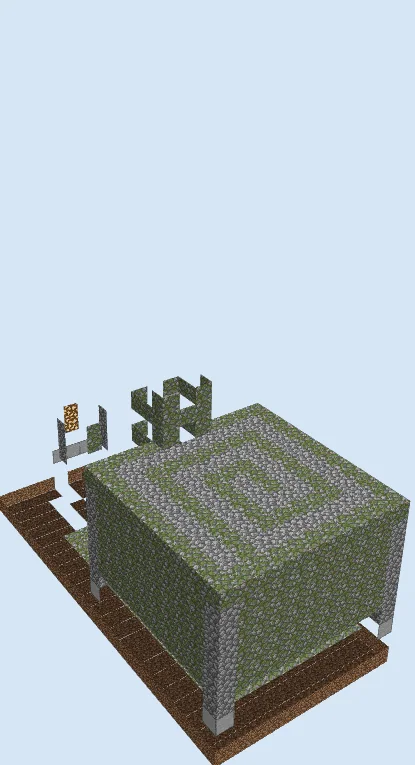
Build the Vertical Tower
Layers 14–22 of 30Extend the mossy cobblestone tower vertically. Add the ladder sections to the side to provide access to the upper levels of the farm for maintenance and inspection.
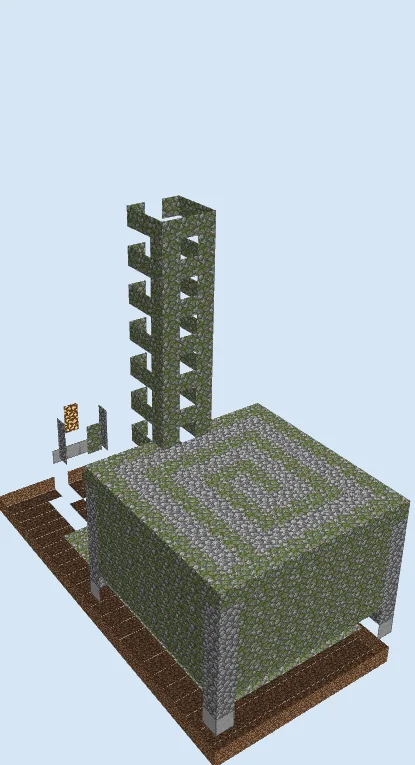
Complete the Structure
Layers 23–30 of 30Finish the top of the tower and seal the exterior. Install the final glass, redstone torches, and oak wall signs to secure the environment and finalize the mob transport paths.
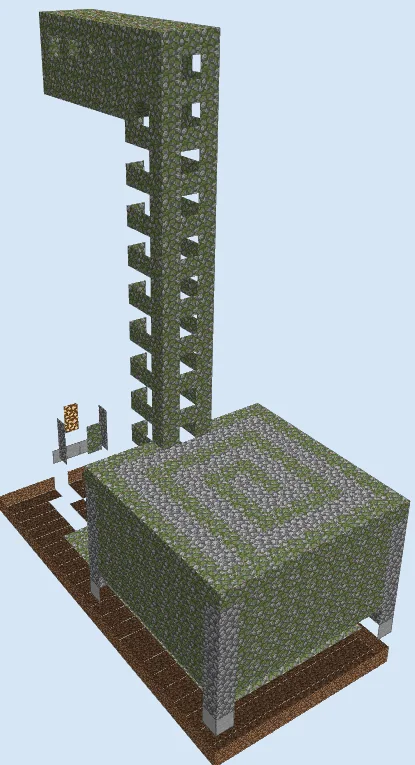
Finishing touches
Test the farm in a creative world to verify that mobs are spawning and falling correctly. Ensure all internal areas are dark and that there are no accidental light sources preventing spawns. Check that your hopper is properly connected to the chest.
Frequently Asked Questions
Why is this considered a legacy design?
The file format and the dependency on specific spawner mechanics suggest it was created in an older version of the game. Modern game updates may have altered how these mechanics behave.
Can I modify the size of the tower?
You can adjust the height, but be aware that changing the internal layout or height may affect mob pathing and water flow, which could break the collection system.