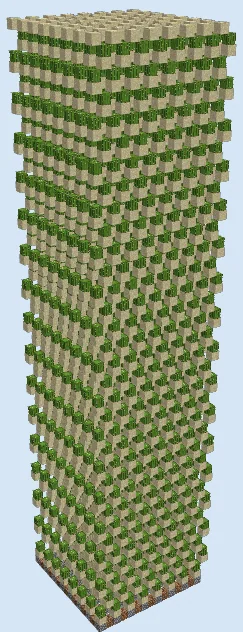
What you are building
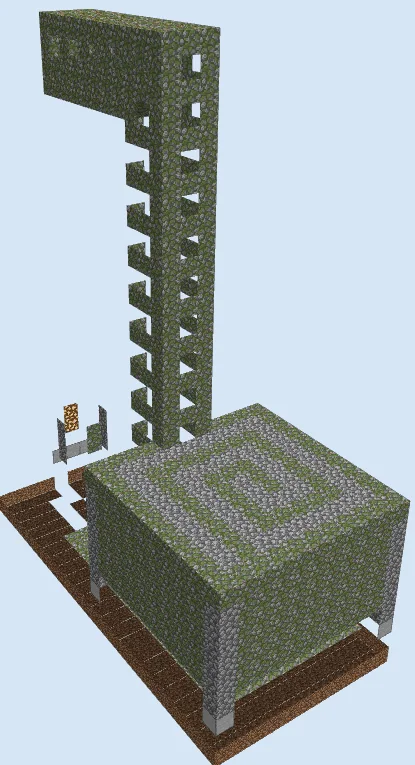
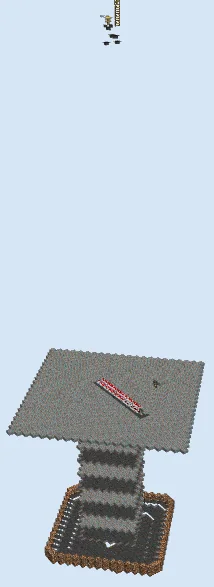
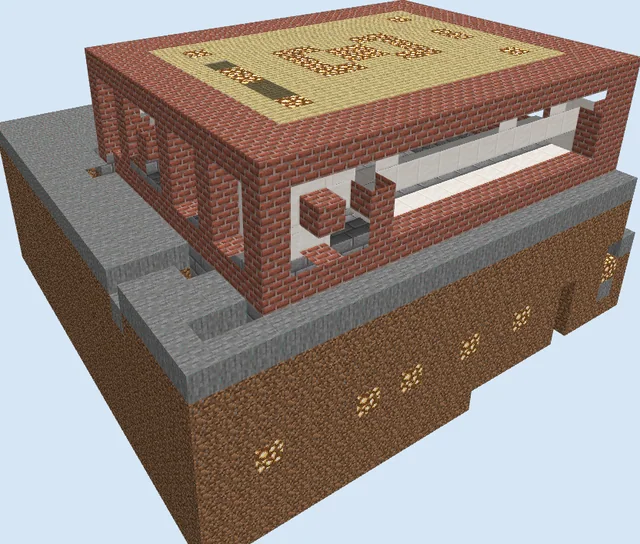
This is a specialized utility structure designed to transport items vertically from a mob farm collection point. By utilizing a series of redstone components, it helps move drops to a more accessible height or storage area.
Because this design is from a legacy version of the game, its mechanics may interact differently with current redstone updates. It is best to test this build in a creative world first to ensure it functions as intended in your specific version.
Materials 2,090 blocks · 16 types
- Obsidian1,36621 stacks + 22
- Mossy Cobblestone2844 stacks + 28
- Hopper1041 stack + 40
- Stone Slab981 stack + 34
- Glass56
- Redstone Torch46
- Dropper32
- Ladder28
- Stone Brick Stairs26
- Stone Button14
- Iron Door12
- Glowstone10
- Repeater6
- Chest4
- Comparator2
- Stone Brick Slab2
How it works
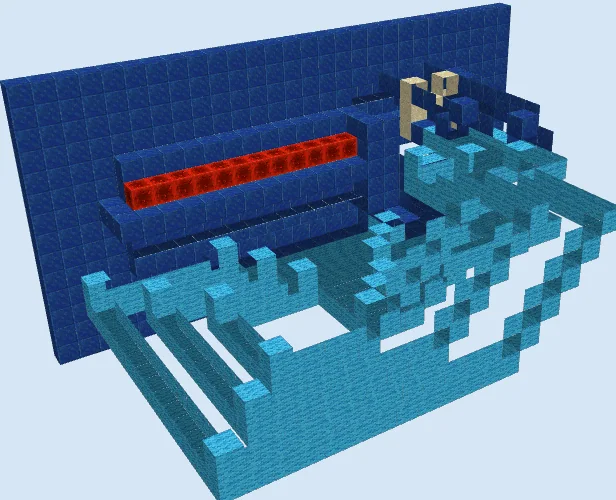
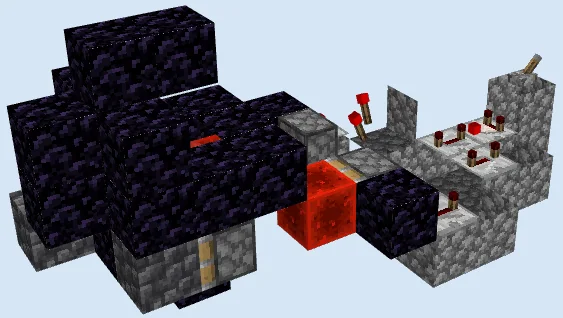
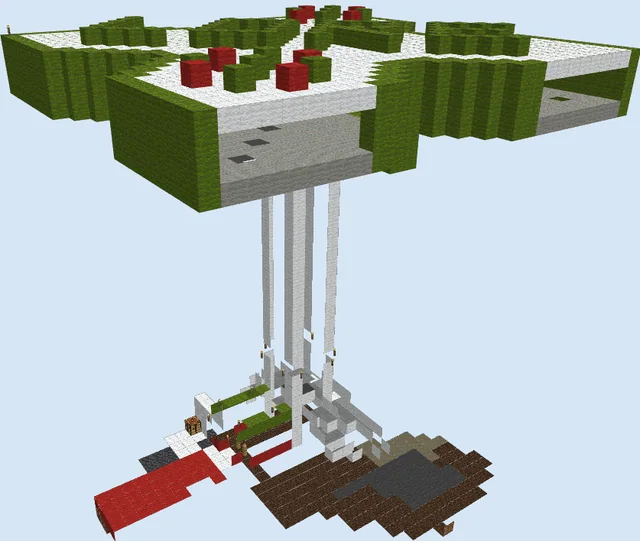
The mechanism relies on a chain of hoppers and droppers powered by redstone torches, repeaters, and comparators. Items dropped into the base collection area are moved into the vertical shaft where they are pulsed upwards by the dropper tower until they reach the top storage chests.
How to use it
To use this system, ensure the base is connected to your mob farm collection point. Items will travel automatically through the elevator. You can collect the final results from the chests positioned at the highest point of the structure.
Building the Foundation
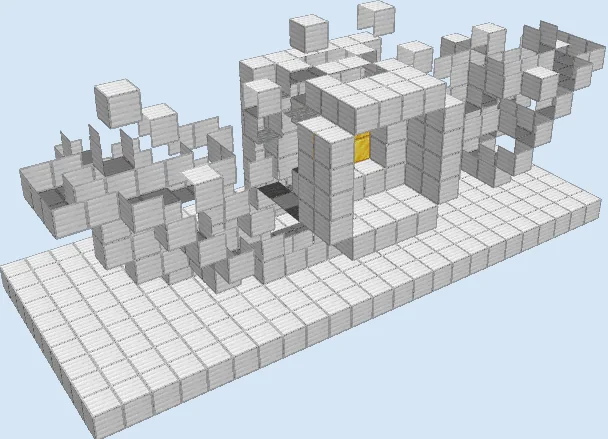
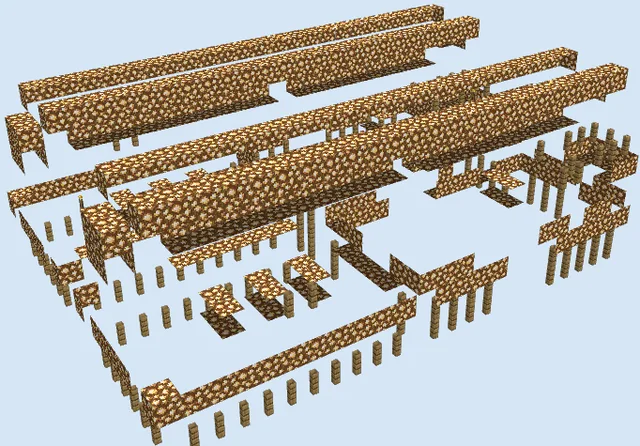
Layers 1–3 of 23Start by outlining the base using obsidian and mossy cobblestone. Lay down the foundation for the hopper intake area, which serves as the collection point for your mob drops.

Constructing the Tower Base
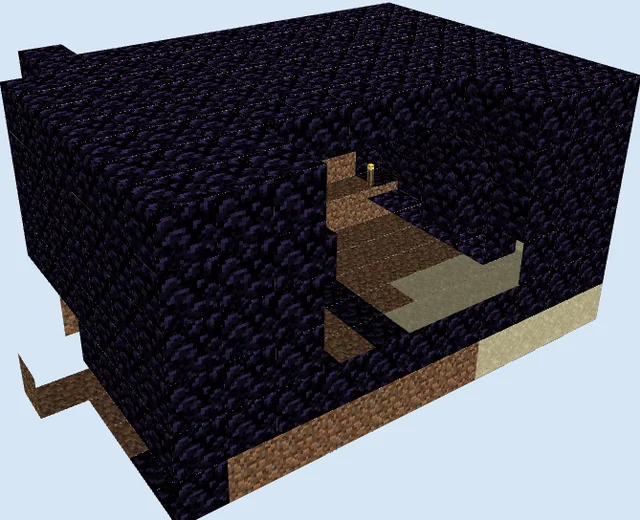
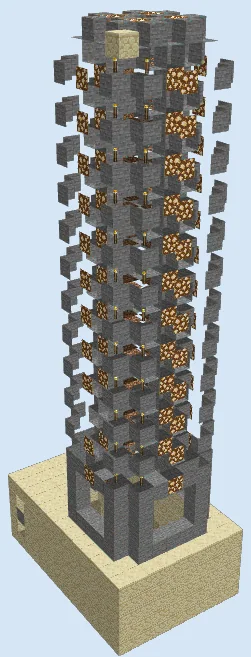
Layers 4–10 of 23Build the walls upward using obsidian and integrate glowstone for lighting. Begin installing the hopper chain and the first few dropper units that will eventually form the vertical transport column.

Installing Redstone Circuits
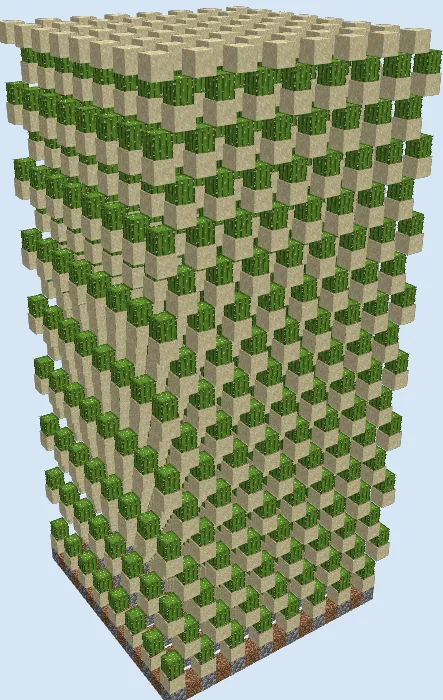
Layers 11–17 of 23Place redstone torches, repeaters, and comparators along the obsidian structure to power the droppers. Ensure the wiring is correctly routed to trigger the item-lifting sequence.

Finalizing the Elevator
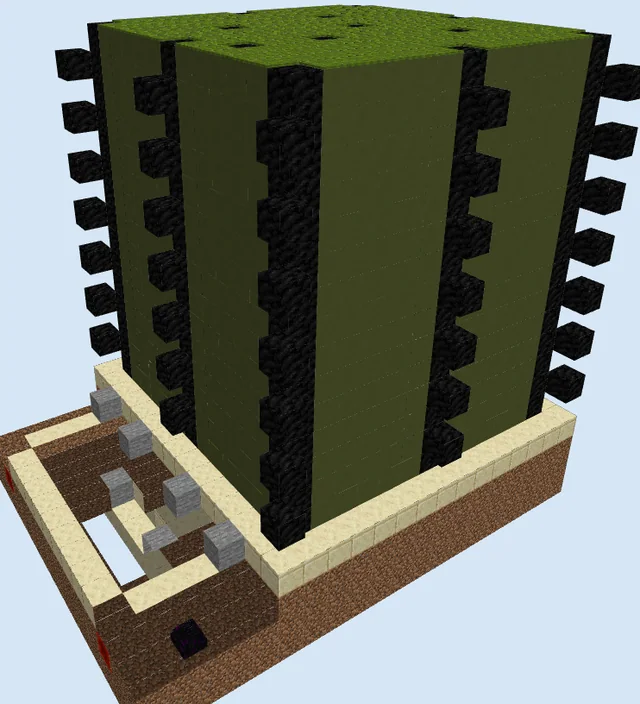
Layers 18–23 of 23Complete the vertical obsidian shaft and install the remaining droppers. Top off the structure with the final chest collection system and iron doors for access.

Finishing touches
Once assembled, verify that all droppers are properly powered. Test the elevator by dropping items into the intake hoppers to see if they reach the top storage. Ensure the interior is well-lit to prevent mob spawning, though the obsidian walls should naturally block most light.
Frequently Asked Questions
Why is this build made primarily of obsidian?
Obsidian provides high blast resistance and a dark aesthetic often preferred for mob grinders to keep the interior dim.
Will this elevator work with non-stackable items?
Most item elevators powered by droppers can handle non-stackable items, but always test with your specific game version to confirm.