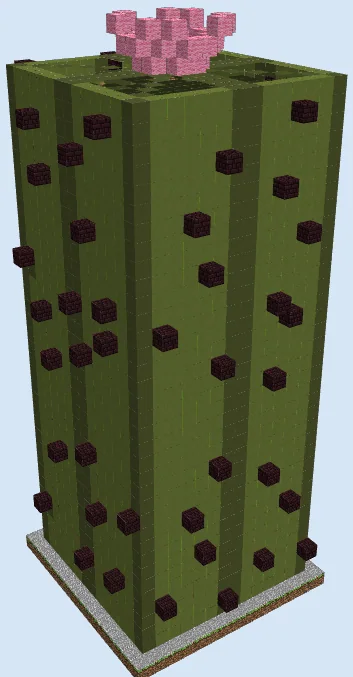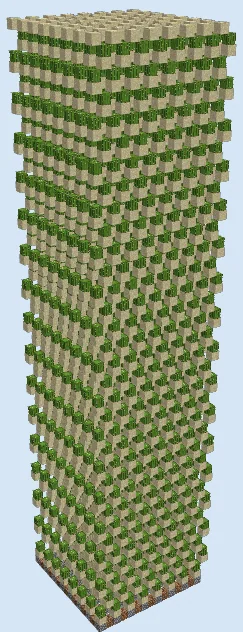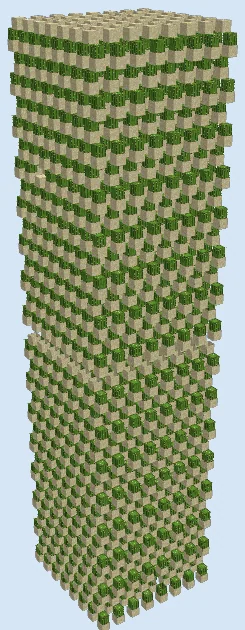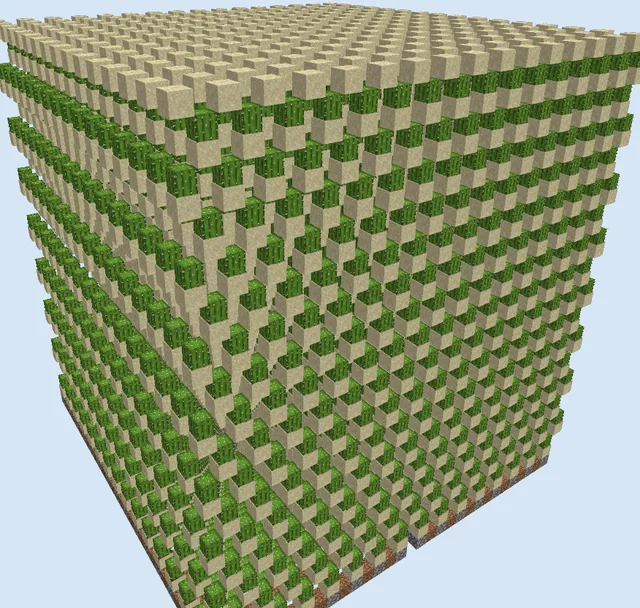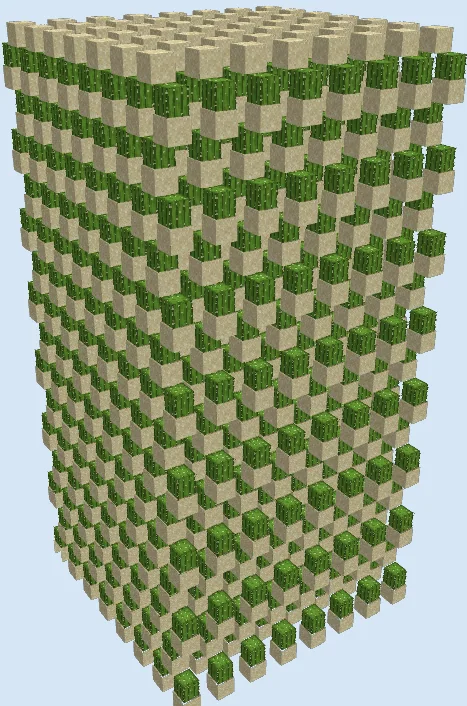
What you are building
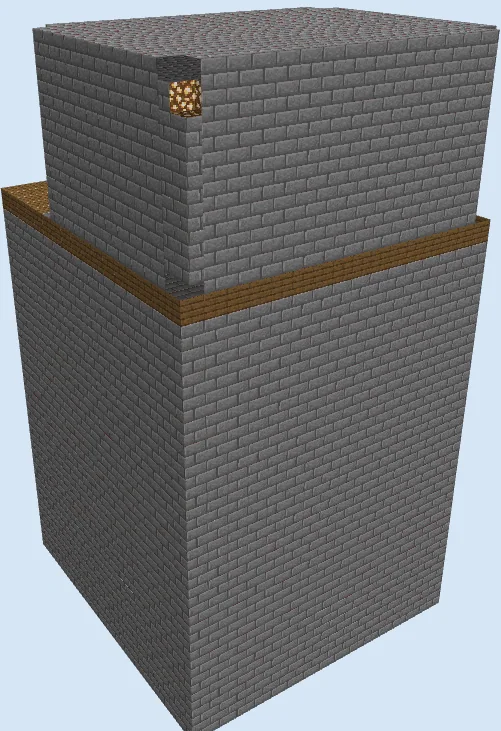
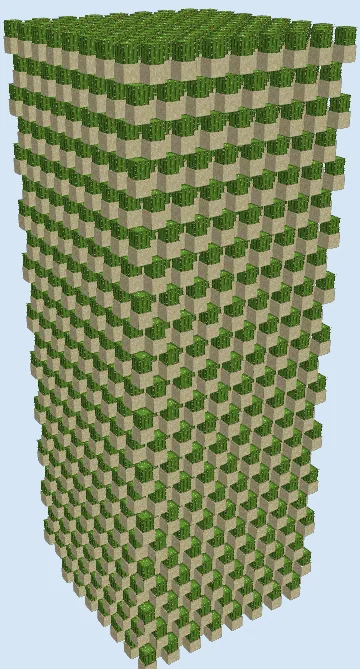
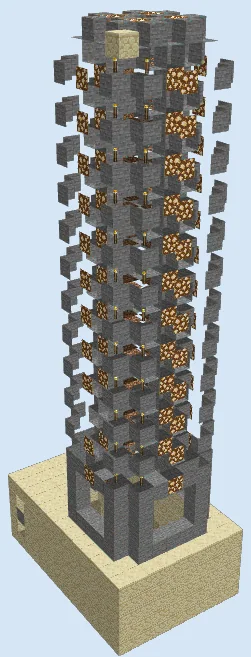
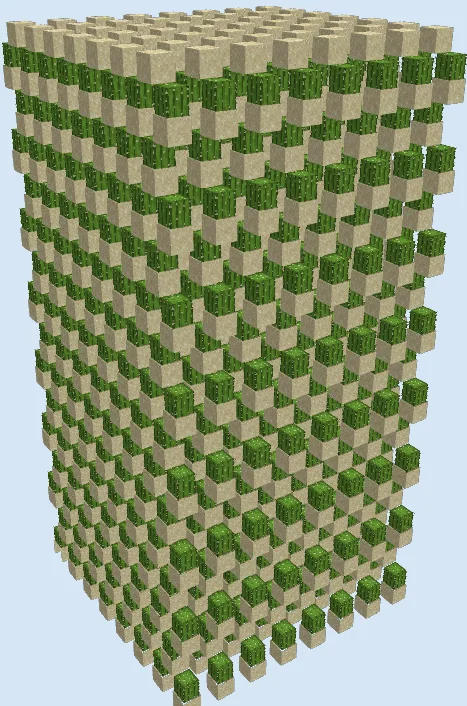
This Fifteen Level Tripwire Cactus Tower Farm is a compact vertical crop tower built within a 17x17 footprint. It uses only four simple block types—sand, cactus, tripwire string, and ladders—to pack fifteen staggered planting floors into a single column, giving you a steady supply of cactus for green dye, bone meal composting, or furnace fuel and smelting setups.
Because this build consists of the harvesting core itself without a base floor, you should build it directly over your own water stream or hopper collection pad in a chunk that stays loaded while you play. Although the file comes from an older version, the cactus collision and tripwire support mechanics have stayed the same for years; still, it is always wise to test a slice of the pattern in a creative world before committing your survival materials.
Place string before sand: Always double-check that the Tripwire string is actually in place before putting a Sand block above it, or the sand will drop onto the lower cactus and break itself.
Add a water collection tray below: Since this schematic includes only the 15 harvesting levels, build a water-flushing floor with hoppers and chests two blocks beneath the bottom layer before you start stacking.
Materials 2,936 blocks · 4 types
- Tripwire1,03316 stacks + 9
- Sand96015 stacks
- Cactus90414 stacks + 8
- Ladder39
How it works
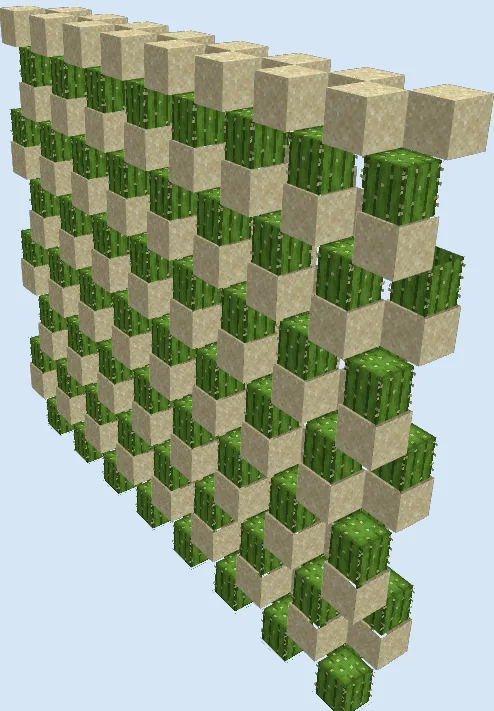
Every level is arranged in a checkerboard grid so that no cactus block sits directly next to a solid block at its base. Between the levels, tripwire string is stretched across the gaps. Whenever a cactus grows a second block upward, it immediately collides with an adjacent block or the overhead structure from the staggered layer above and pops off as an item.
The tripwire string also acts as a support block that holds up the next layer of sand in midair without needing solid floors that would block falling items. Dropped cactus pieces tumble down through the open gaps between the checkerboard columns to the bottom of the tower.
How to use it
Once the fifteen layers are planted, the farm runs completely on its own without any switches or player interaction. Simply stay within random-tick range of the tower so the cactus continues to grow, and gather the dropped cactus items at the bottom below the lowest sand layer.
Build the First Two Staggered Cactus Layers
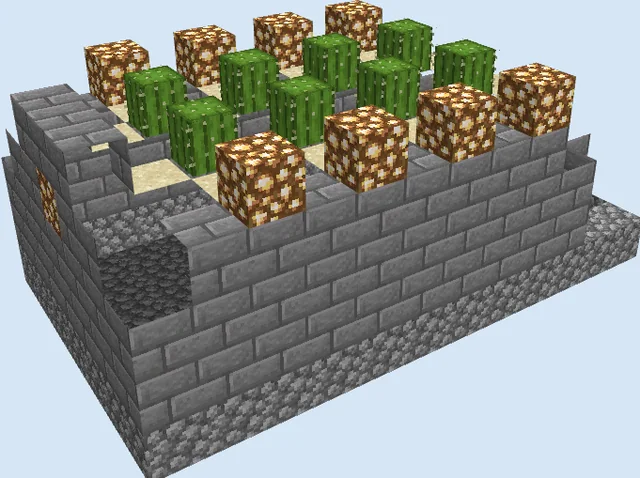
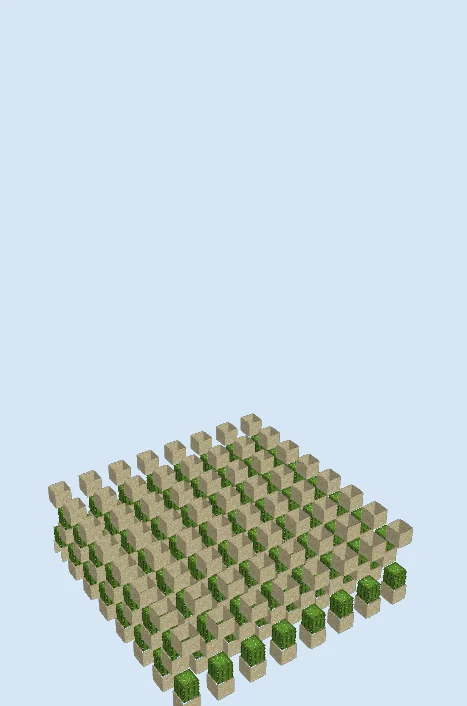
Layers 1–5 of 31Start by laying out the bottom 17x17 checkerboard grid of Sand blocks with one empty space between every block, then plant a Cactus on top of each sand block. String Tripwire across the spaces between the cacti to create the support grid for the next level.
On top of that support grid, place the second staggered layer of Sand and Cactus, and begin running the vertical Ladder column up the core. Cap this section with the next grid of Sand blocks at layer 5.
Extend the Tower Through the Middle Levels
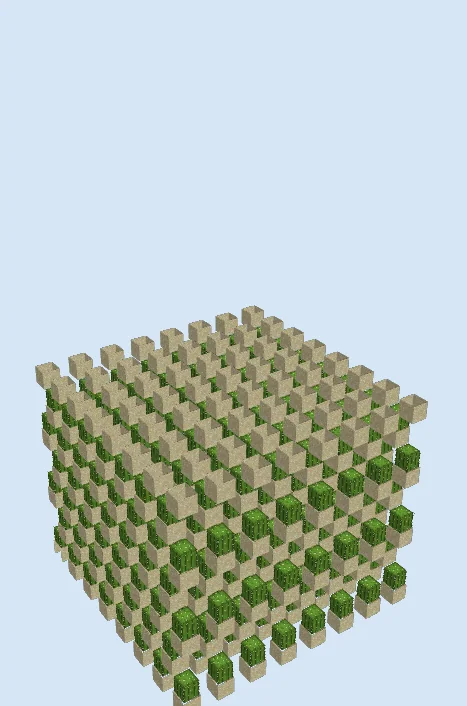
Layers 6–13 of 31Plant Cactus on the exposed sand layer from the previous stage and continue alternating layers of Tripwire string, staggered Sand, and Cactus upward through layer 13.
Keep extending the Ladder line as you go and double-check that every new sand layer is offset diagonally from the one below it so that growing cacti are forced to break while leaving vertical shafts open for items to fall.
Stack the Upper Cactus Floors
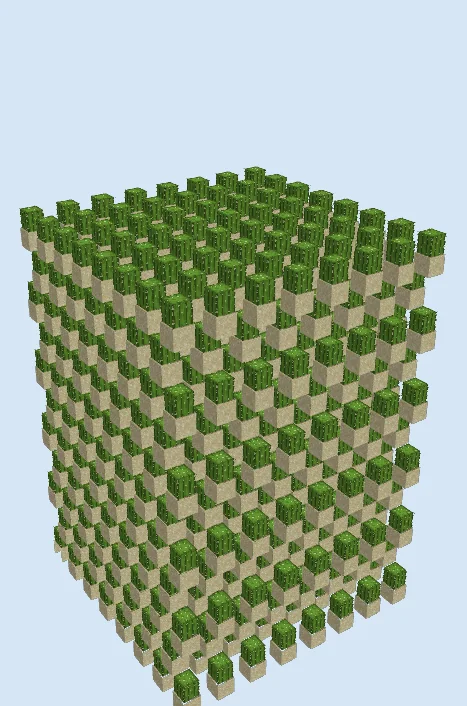
Layers 14–22 of 31Repeat the exact same checkerboard pattern of Tripwire, Sand, and Cactus from layer 14 up to layer 22. Make sure each piece of tripwire string is placed before you set a sand block on top of it so the sand does not fall down into the lower levels and break your existing plants.
Finish the Top Layers and Sand Cap
Layers 23–31 of 31Complete the remaining planting tiers up to the fifteenth cactus level and top the build off with the final grid of Sand and Tripwire at layer 31. Finish the Ladder column so you can climb up for maintenance if needed.
Finishing touches
Watch the tower for a few minutes to confirm that newly grown cactus tops pop off cleanly and fall through the open gaps to the ground. Be very careful not to cause an accidental block update on unsupported sand while building, as a single falling sand block can cascade down and uproot an entire column of cacti. Since the tower is open to the sky and consists of non-solid blocks and cacti, hostile mobs have almost nowhere to spawn inside, though you should light up whatever collection floor you build underneath.
Frequently Asked Questions
How does the sand float without solid blocks underneath it?
In Java Edition, tripwire string occupies the block space below the sand and prevents it from falling, allowing you to stack multiple levels without solid floors blocking falling cactus drops.
Why do some dropped cactus items disappear inside the tower?
Any item that bounces onto the side or top of a planted cactus block is destroyed on contact, which is normal for high-density cactus towers and is more than made up for by the fifteen stacked layers.
Does this farm need any redstone or pistons to run?
No, it is completely zero-redstone and relies purely on cactus block placement rules to break new growth the instant it appears.